ATOMIC

Atomic for VCV Rack

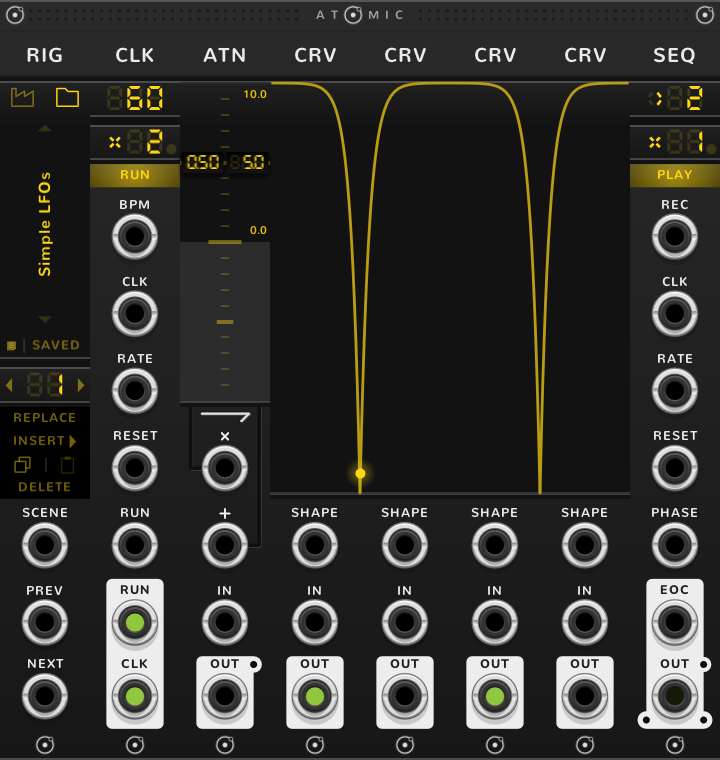
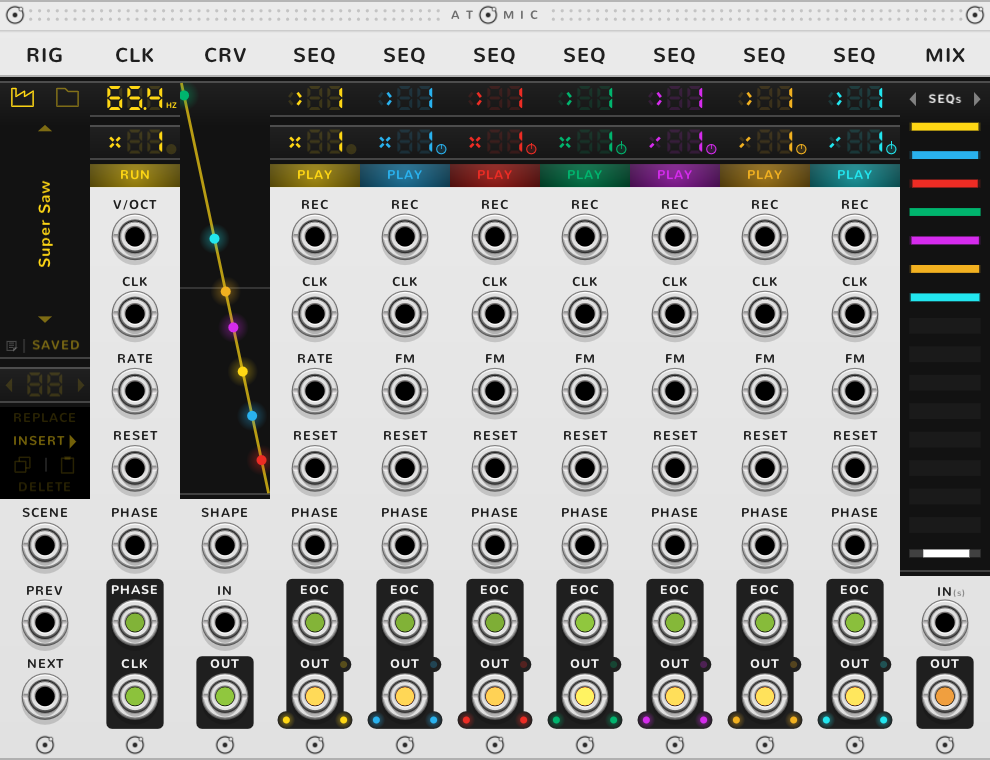
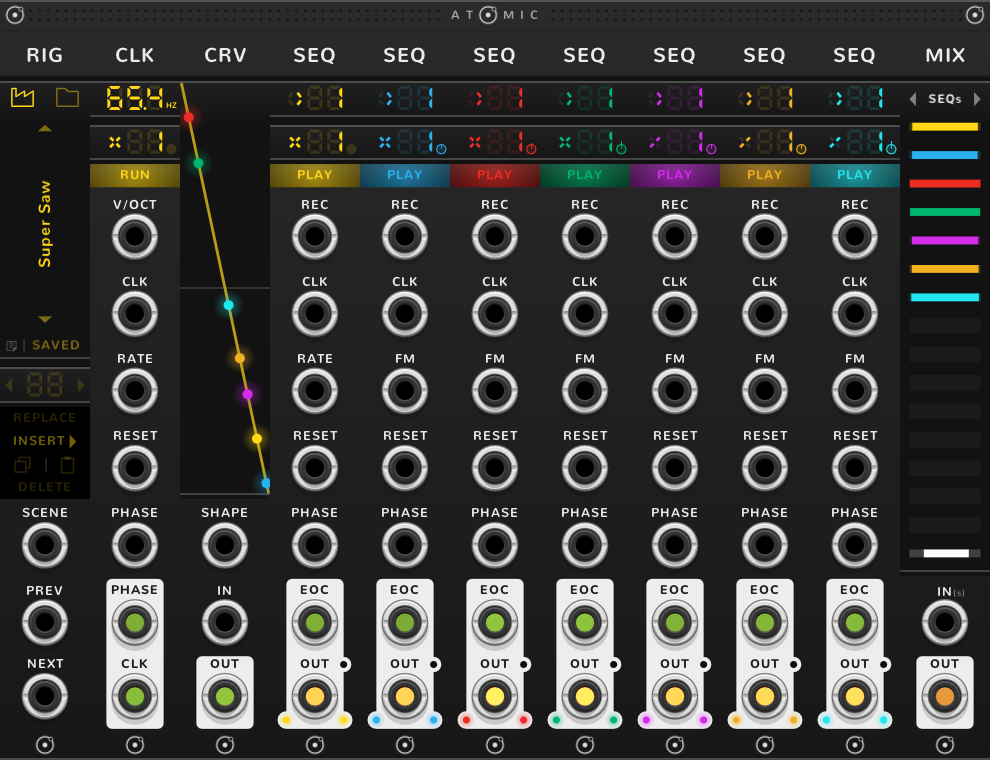
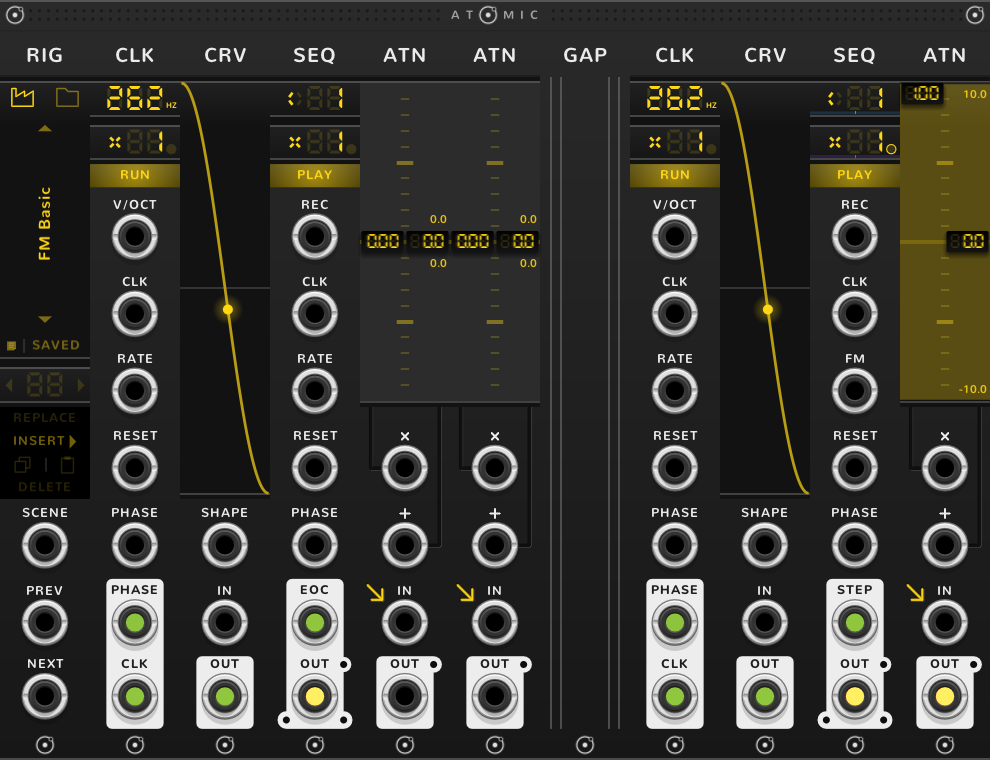
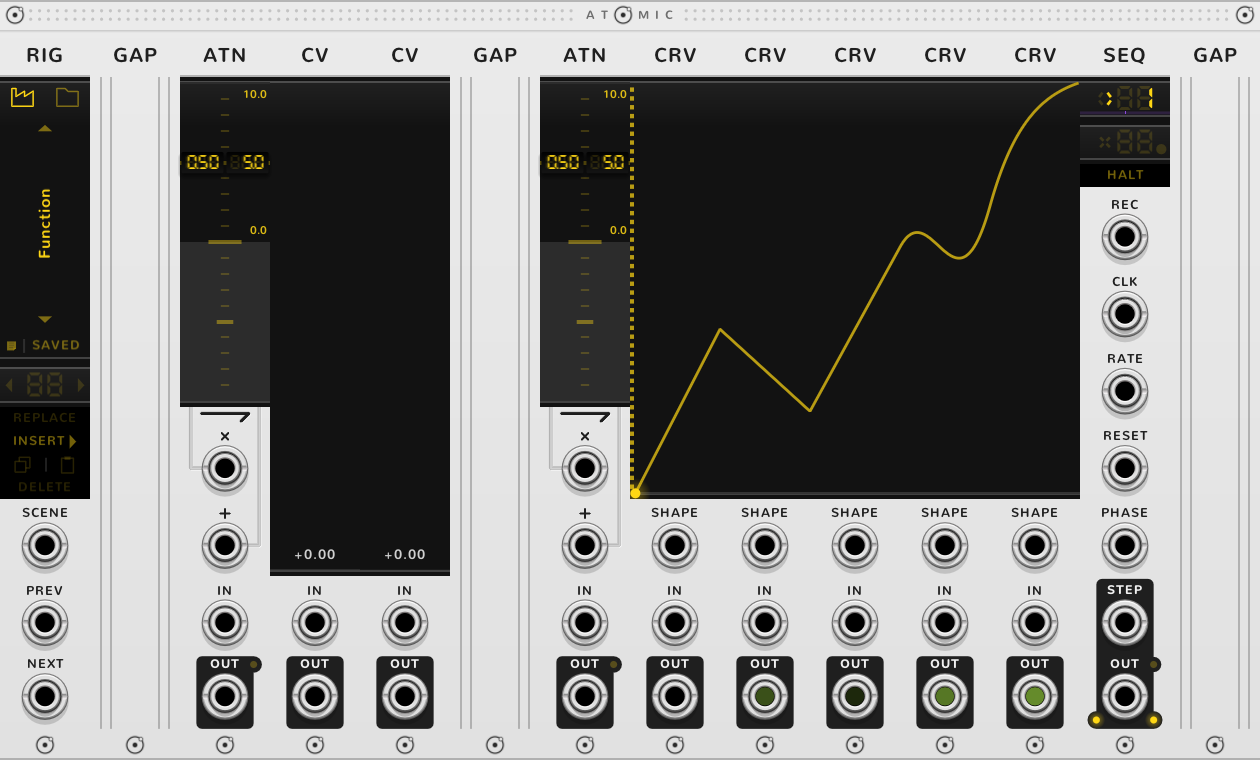
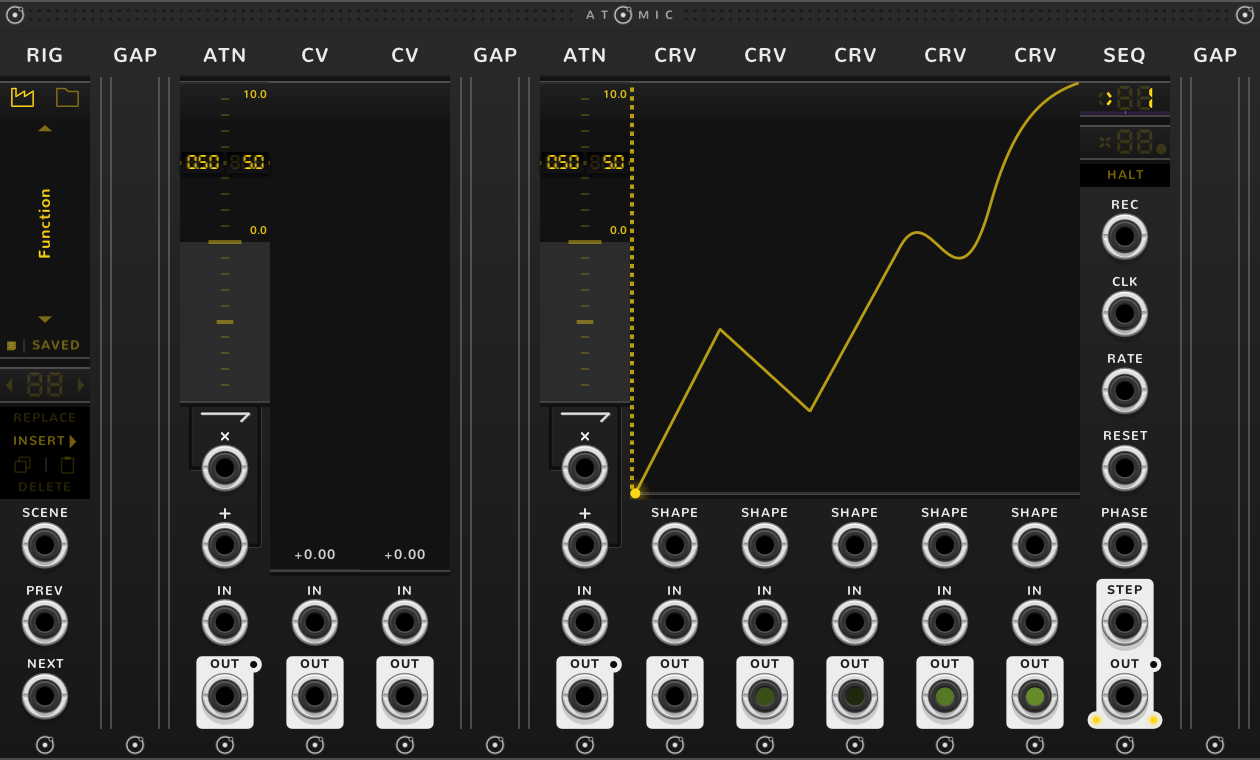
Atomic modules bond on contact. Push them edge to edge and they work as one module of your own making: a rig. Sequencers, complex LFOs, multi-segment envelopes, generative machines.

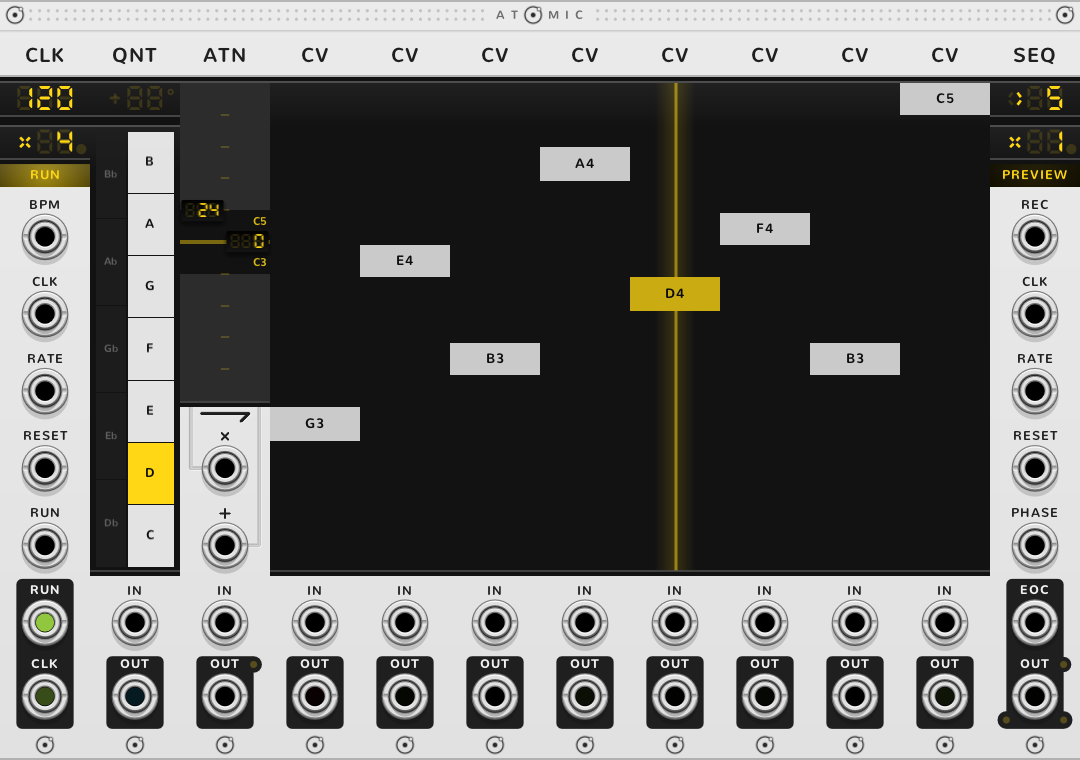
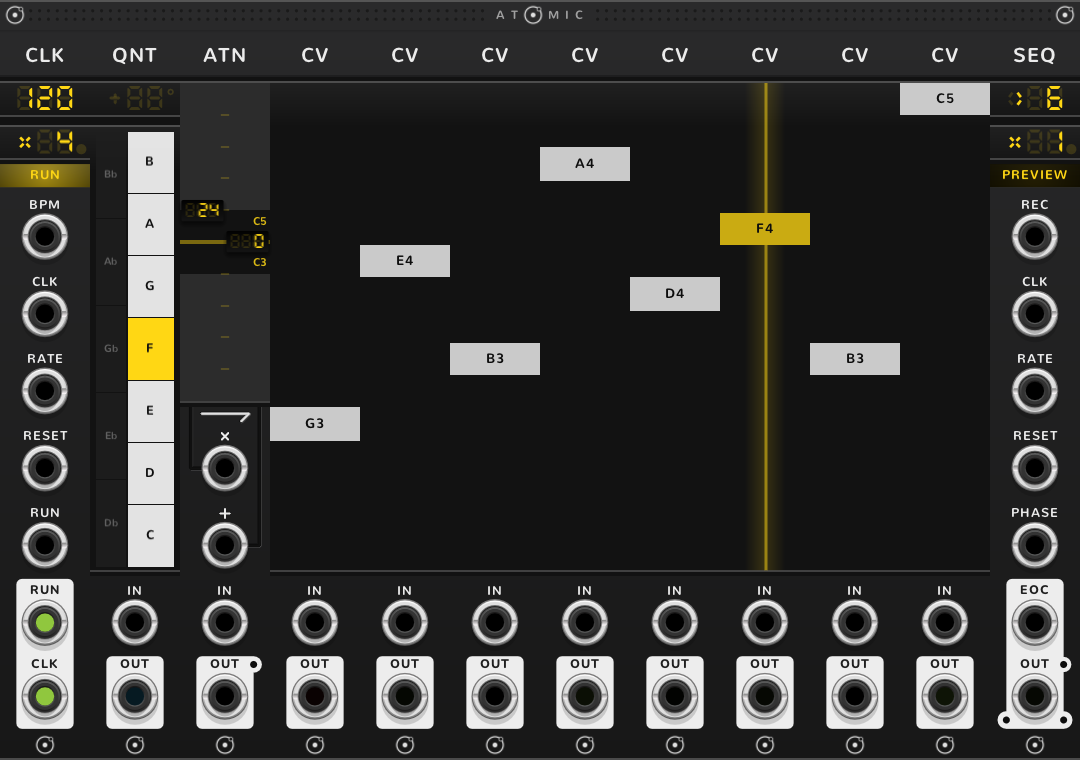
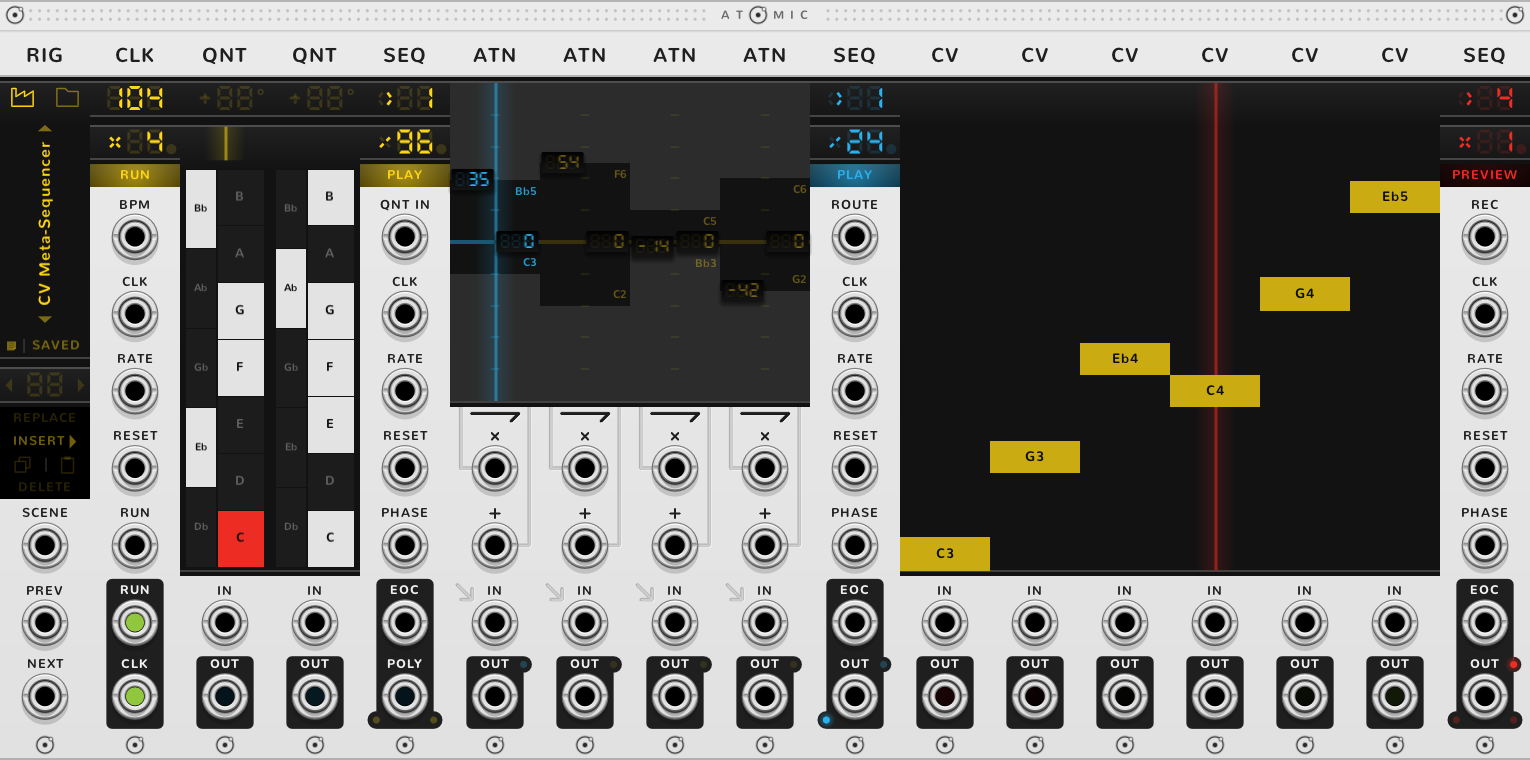
A rig: CLK, QNT, ATN, eight CVs and a SEQ, bonded into one sequencerA rig: CLK, QNT, ATN, eight CVs and a SEQ, bonded into one sequencer

The modules

Clock

CLK

A clock in BPM or in Hz.

Variants:
The CLK panel, BPMThe CLK panel, BPM
  • Tempo in BPM
  • Rate ticks per beat
  • RUN start and pause
  • CLK follow an external clock
  • RESET restart the beat
  • CLK the clock
Full guide

Sequencer

SEQ

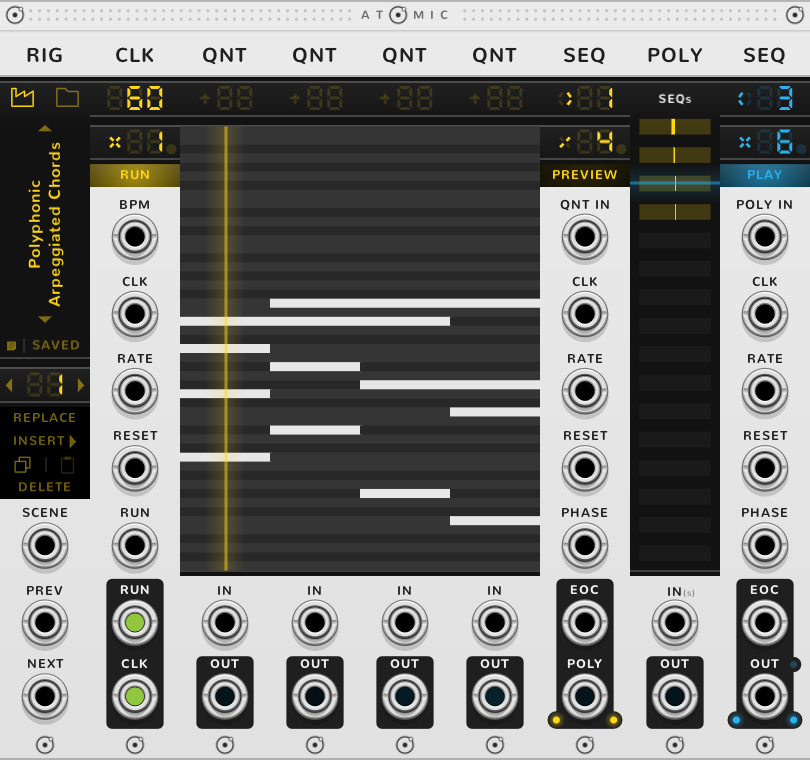
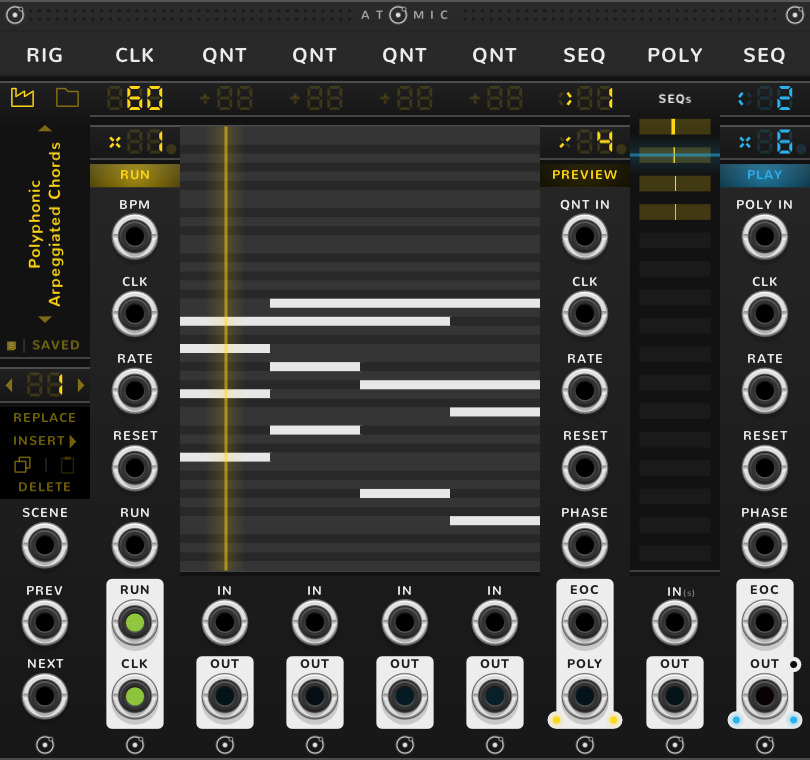
An arpeggiator or a sequencer. Can be clocked by a CLK.

The SEQ panelThe SEQ panel
  • Step the playhead
  • Rate steps per tick
  • Mode play, halt, once, preview
  • POLY IN a chord to arpeggiate
  • CLK a clock
  • PHASE the playhead by voltage
  • OUT the sequence
Full guide

Triggers

TRG

Trigger buttons. Can be sequenced by a SEQ.

The TRG panelThe TRG panel
  • Pulse fire once, or toggle
  • Triggers click to fire or light
  • IN a poly cable drives them
  • OUT one trigger per channel
Full guide

Constant voltage

CV

A fader that holds a voltage. Can be sequenced by a SEQ.

The CV panelThe CV panel
  • Fader -10 V to +10 V
  • IN replaces the fader
  • OUT the value
Full guide

Curve

CRV

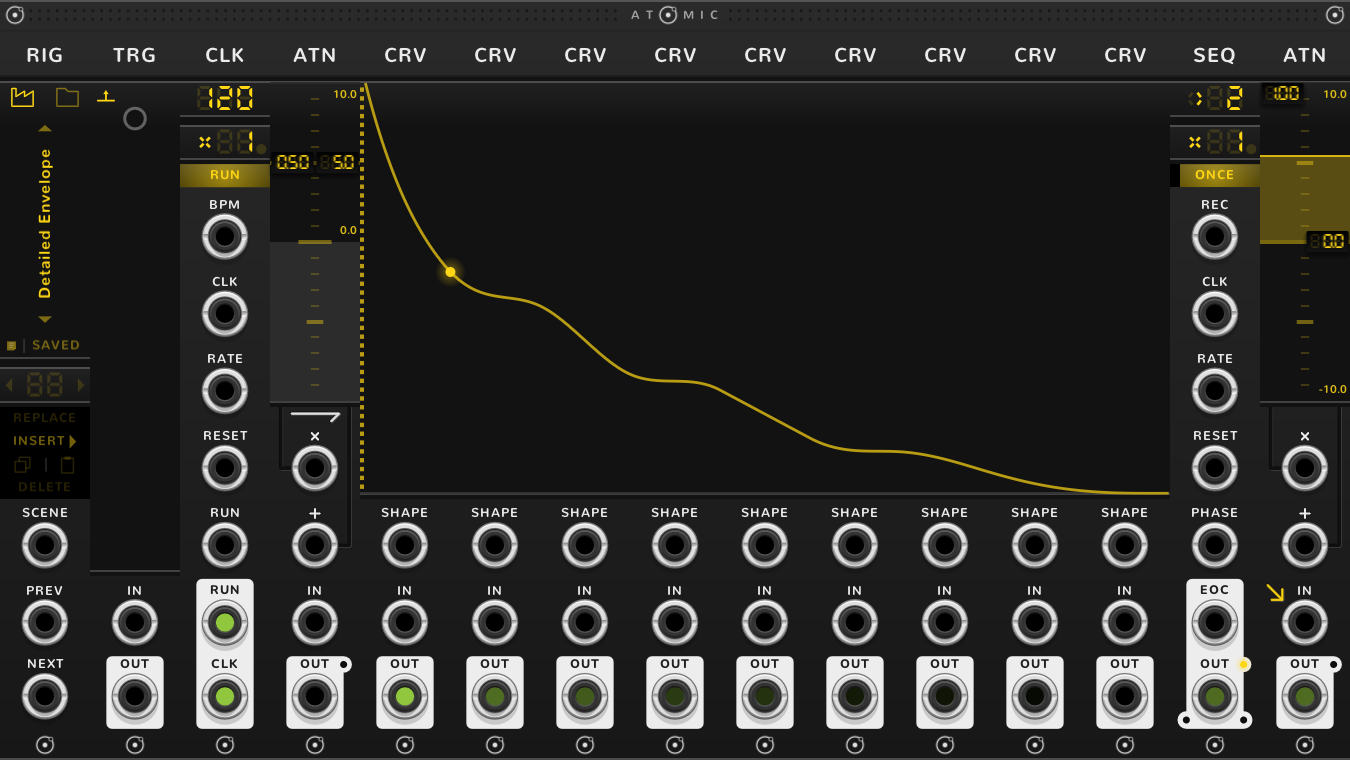
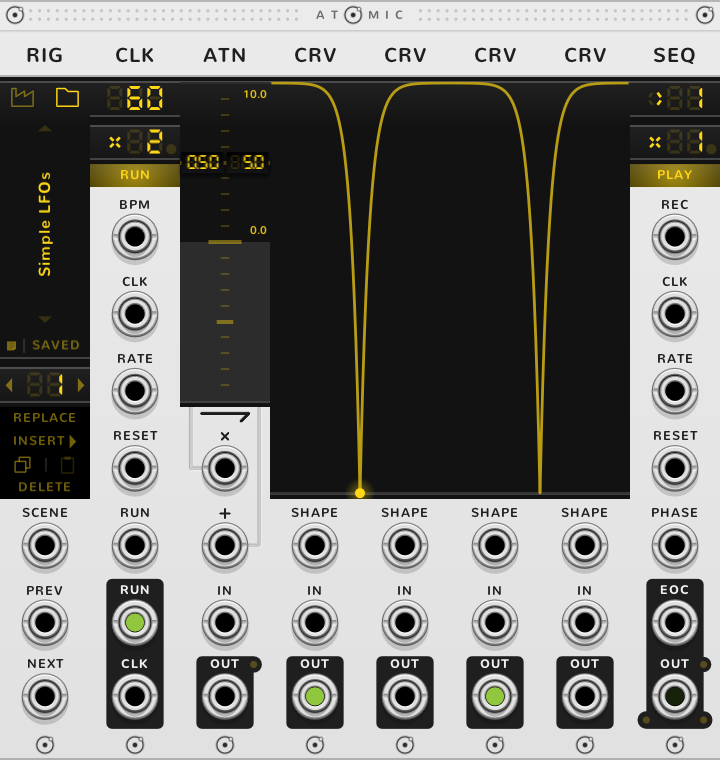
A curve you draw. Stepped by a SEQ, CRVs draw LFOs and envelopes.

The CRV panelThe CRV panel
  • Start the voltage it starts from
  • Shape the bend between
  • End the voltage it ends on
  • SHAPE the bend from a voltage
  • IN where on the curve
  • OUT the curve's voltage
Full guide
Attenuverter

ATN

An attenuverter with offset, and a VCA. Can be sequenced by a SEQ, and can set the range of CVs and CRVs.

The ATN panelThe ATN panel
  • Screen gain left, offset right
  • × gain from a voltage
  • + offset from a voltage
  • IN a signal
  • OUT scaled and moved
Full guide
Quantizer

QNT

Snaps a voltage to the notes you choose. Can be sequenced by a SEQ, and can put CV faders on its scale.

Variants:
The QNT panel, KeysThe QNT panel, Keys
  • Transpose move the notes
  • Keys light a scale
  • IN a voltage to snap
  • OUT quantized, or a chord
Full guide
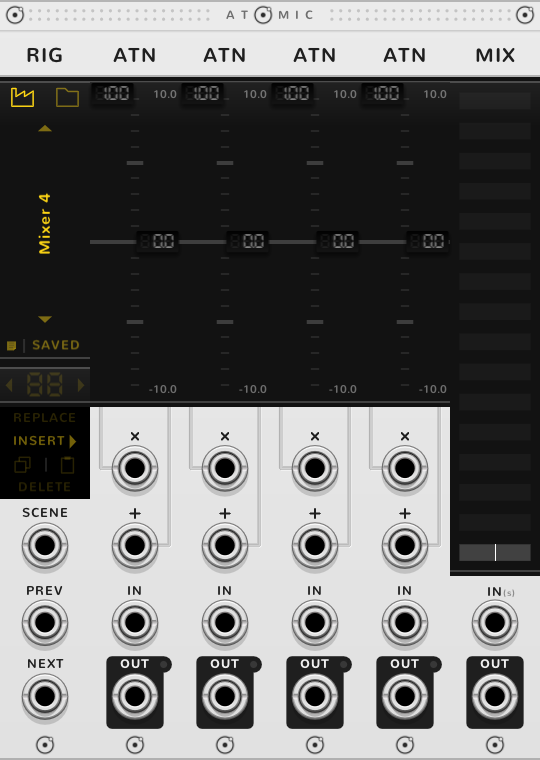
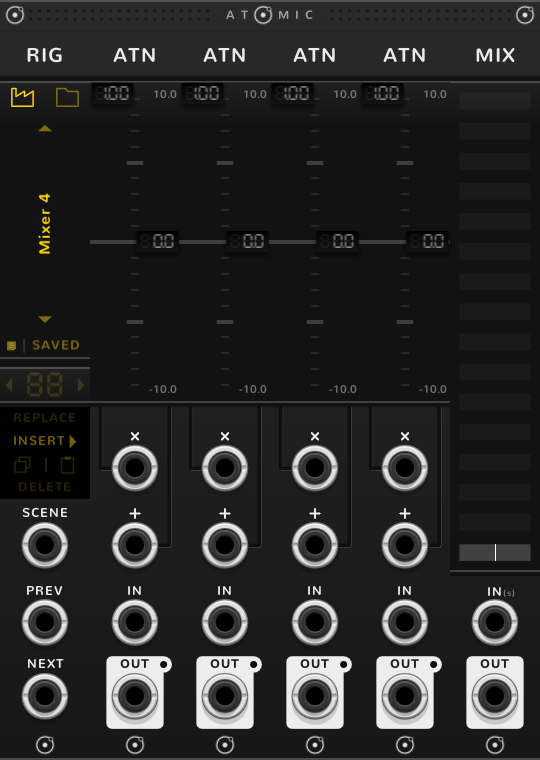
Mixer

MIX

A mixer. Can automatically capture the outputs of other modules in the rig.

The MIX panelThe MIX panel
  • Levels a channel each
  • Master the sum
  • IN a poly cable, or several stacked
  • OUT the mix
Full guide
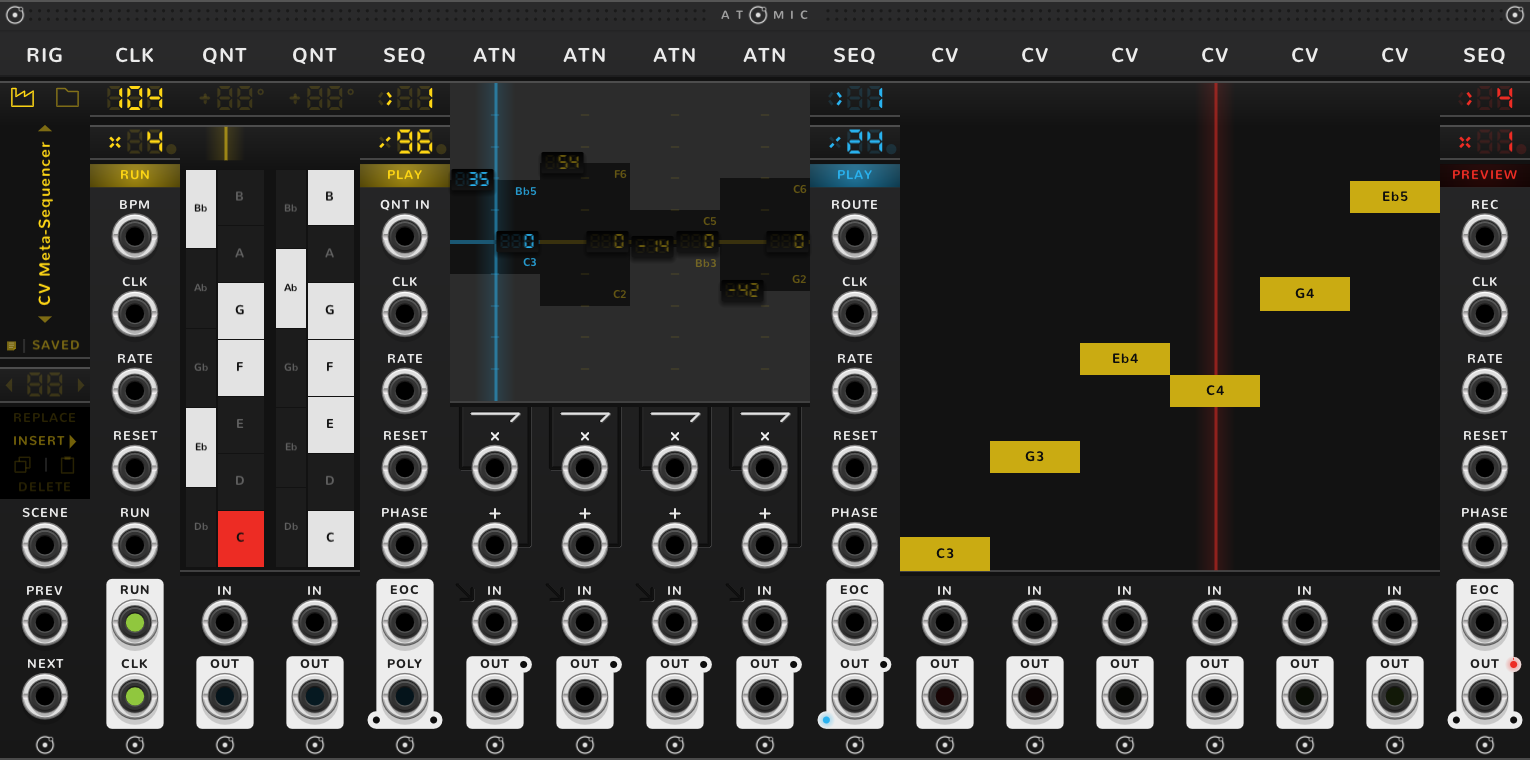
Polyphony

POLY

Merges channels into one poly cable. Can automatically capture the outputs of other modules in the rig, or split a poly cable across them.

The POLY panelThe POLY panel
  • Rows a channel each
  • IN a poly cable
  • OUT the channels, one each
Full guide
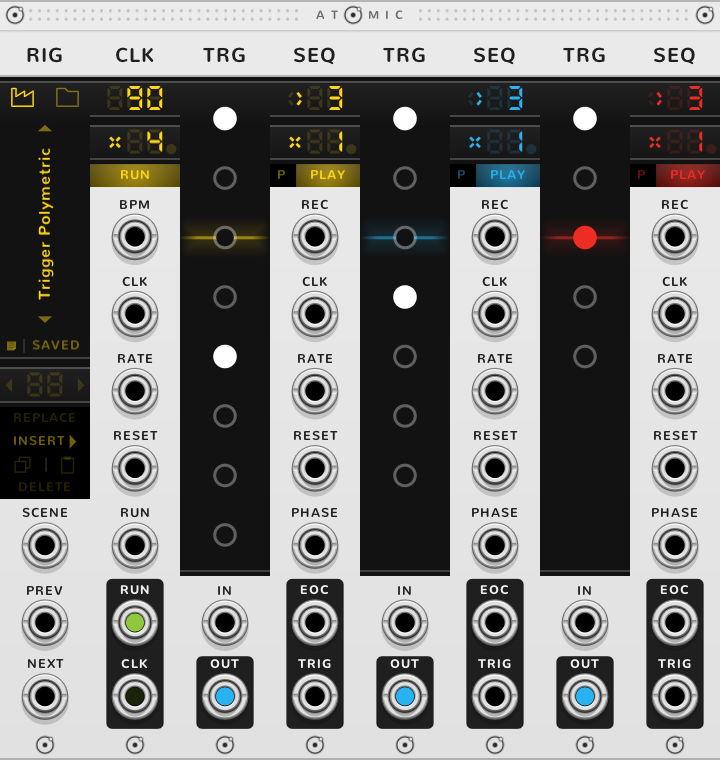
Rig browser

RIG

Saves the rig to its right as a file. Its scenes are snapshots of the rig, recalled by click or by voltage.

The RIG panelThe RIG panel
  • Factory, yours which rigs to list
  • Name click for the rigs
  • SAVE the rig as a file
  • Scene the one showing
  • SCENE choose by voltage
  • PREV a trigger: the scene before
  • NEXT a trigger: the next scene
Full guide
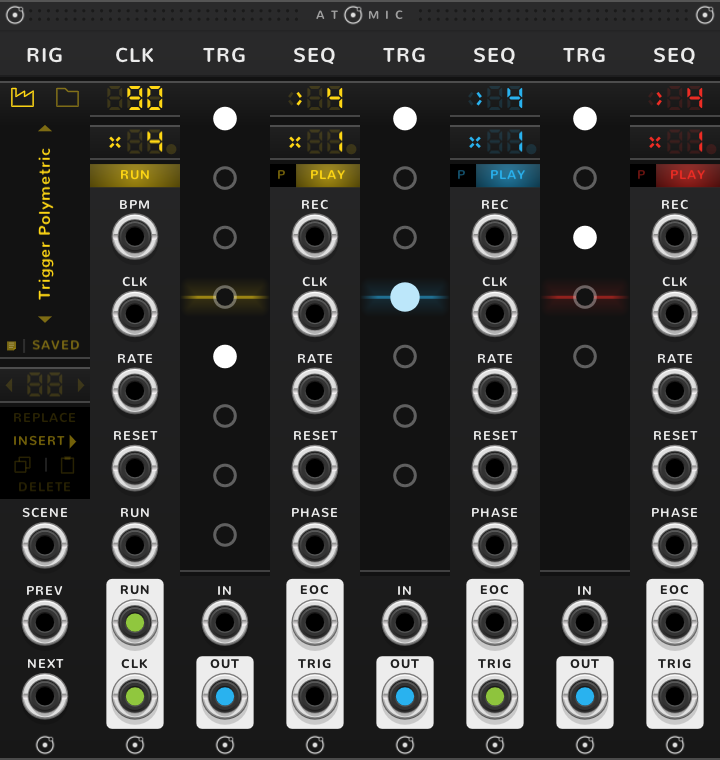
Gap

GAP

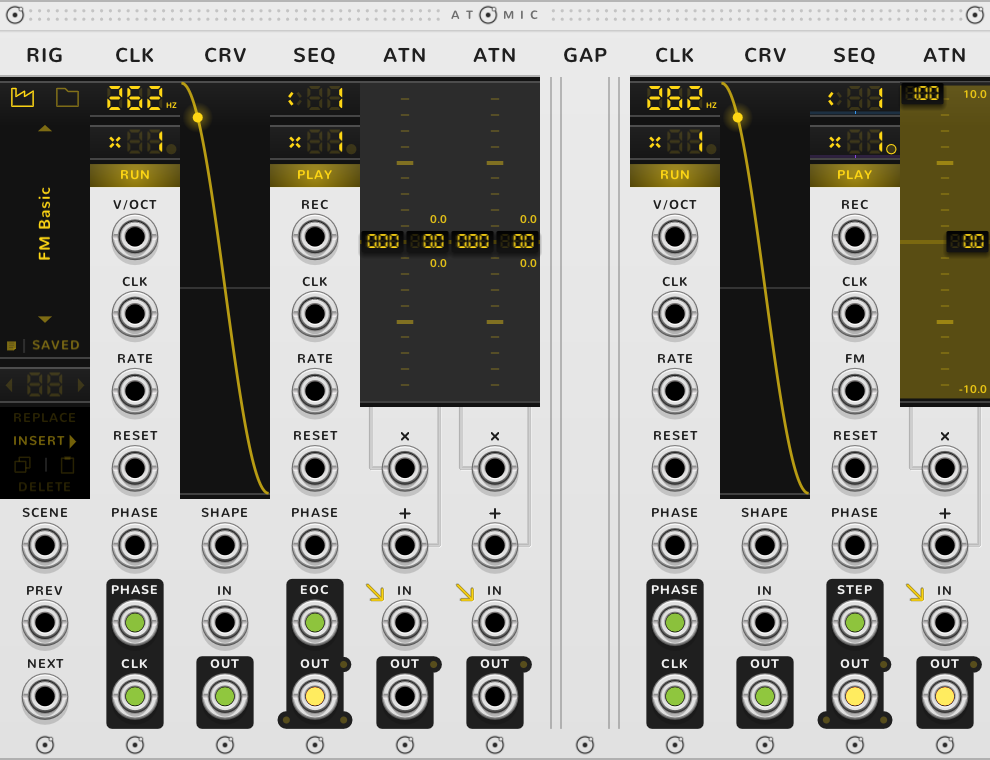
A blank panel that splits a rig in two: each side plays on its own, and the rig still saves as one.
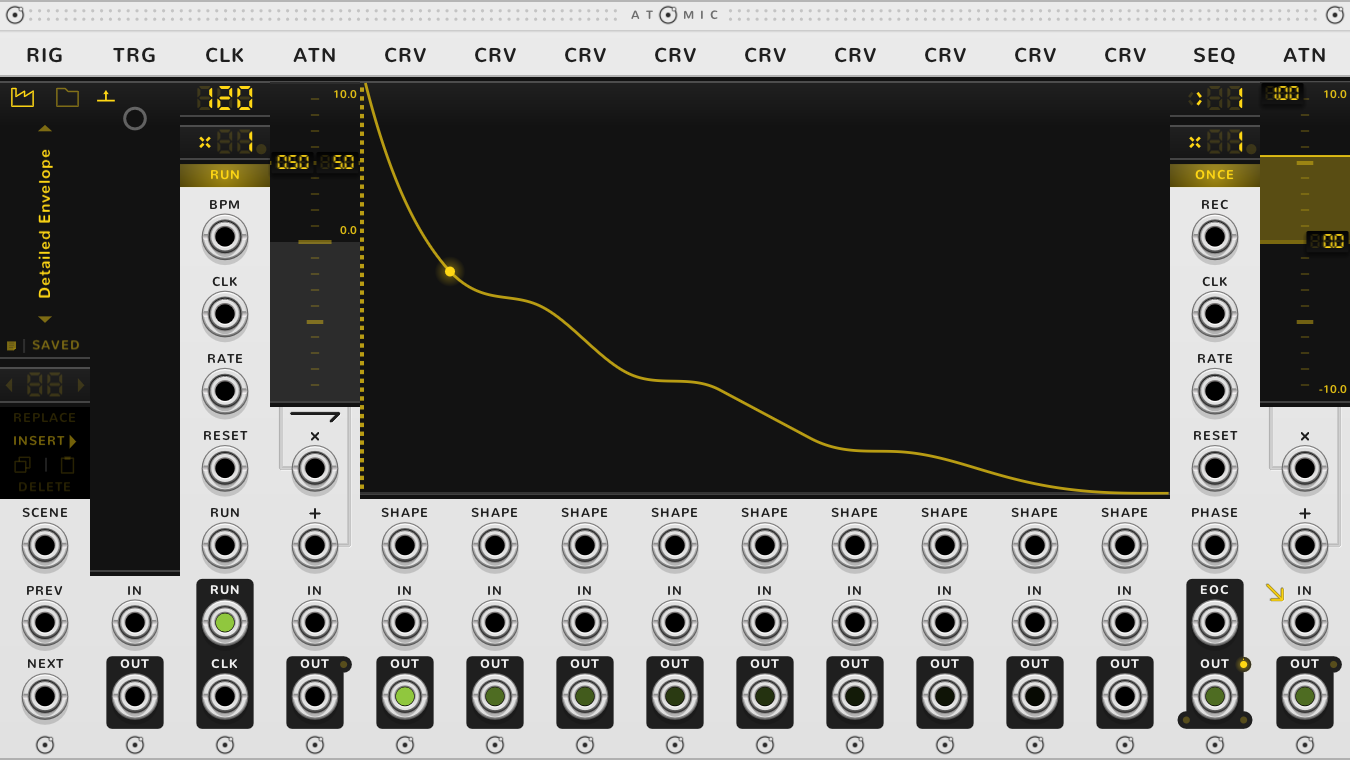
The GAP panelThe GAP panel
    Full guide

    How to build your own rig

    1You want to build your own sequencer?

    Drop a SEQ.

    A SEQ aloneA SEQ alone

    2You want it to sequence voltages?

    Put five CVs on its left. Push them edge to edge and they bond; a strip, the bracket, appears along the top of all six. Each CV is now a step.

    3You want those steps quantized?

    Put a QNT on the left of the CVs. It comes with C major lit; click keys to light another scale. Every CV now lands on a lit key and shows its note.

    4You want them to span a few octaves?

    Put an ATN to the left of the CVs, before the QNT or after it, and drag its gain to 24 for two octaves.

    5You want the sequencer to have its own clock?

    Put a CLK anywhere to the left of the SEQ.

    6You want to keep your little sequencer?

    Put a RIG at the far left and click SAVE. Everything to its right goes into a rig file that the RIG can open again.

    Examples

    Rigs built from these modules. Most are among the RIG's factory rigs.