Alone
Press anywhere on the fader and the value goes there; drag to move it. Shift-drag lands it on whole volts.


- Value the voltage at OUT, written at the fader's level
- Fader -10 V to +10 V
- IN a cable here replaces the fader's value
- OUT the value
While a cable is in IN, the fader follows it and a drag does nothing. Pull the cable and the fader stays where the cable left it.
A CV jumps straight to each new value; it has no glide of its own. For a glide, let a SEQ step it and turn on the SEQ's slew.
Bonded
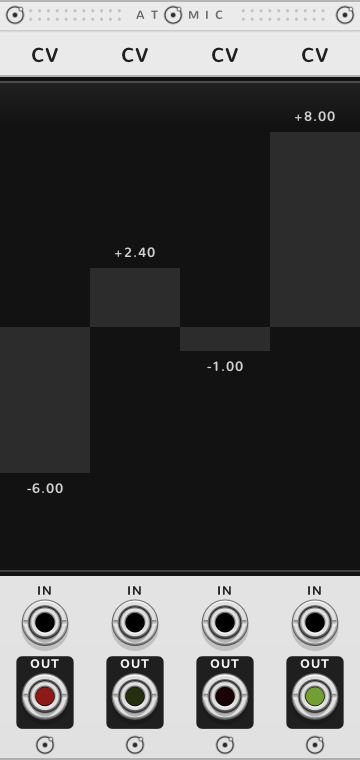
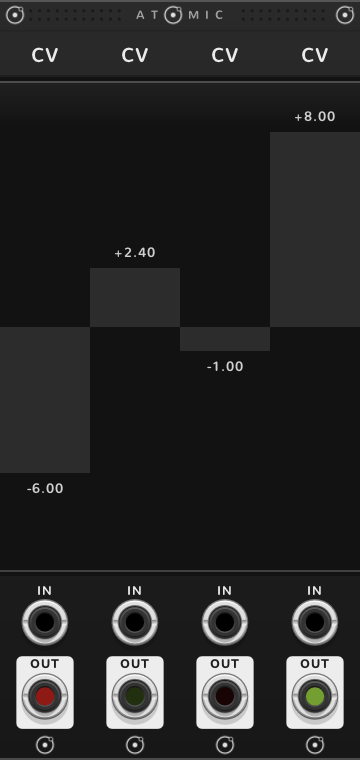
Atomic modules pushed edge to edge bond into one rig. Several CVs side by side become one row of faders: one stroke draws them all, a QNT or ATN to their left sets them all, and a SEQ to their right steps through them.
A row of faders
Drag across the faders to draw their values in one stroke; Shift lands each on whole volts, ⌘* moves it finely.
The steps of a SEQ
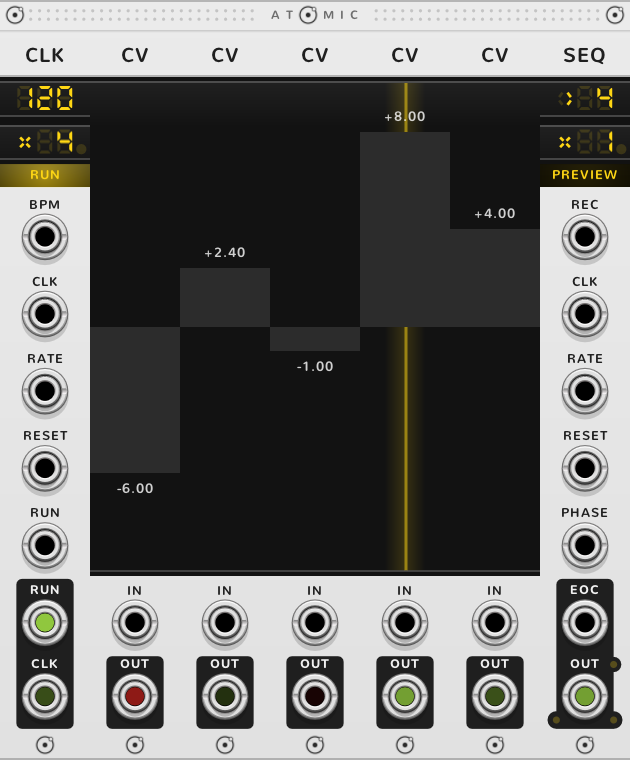
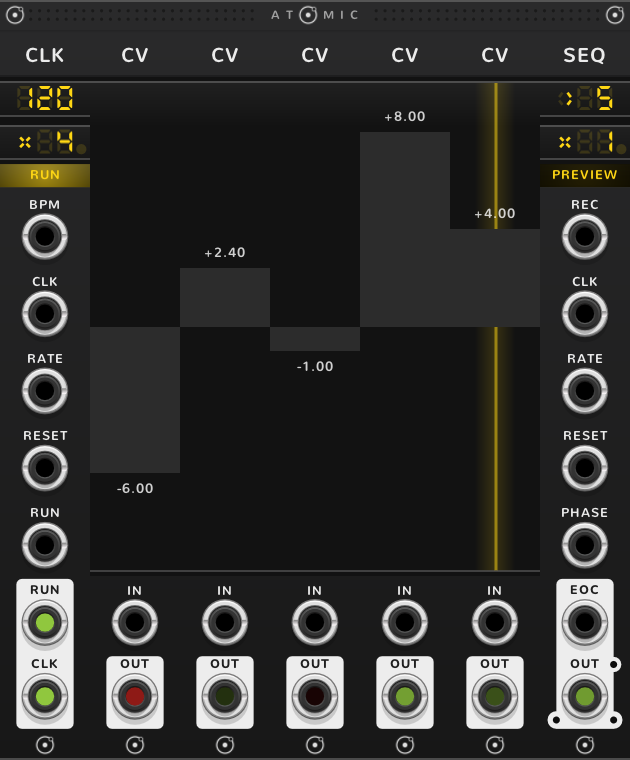
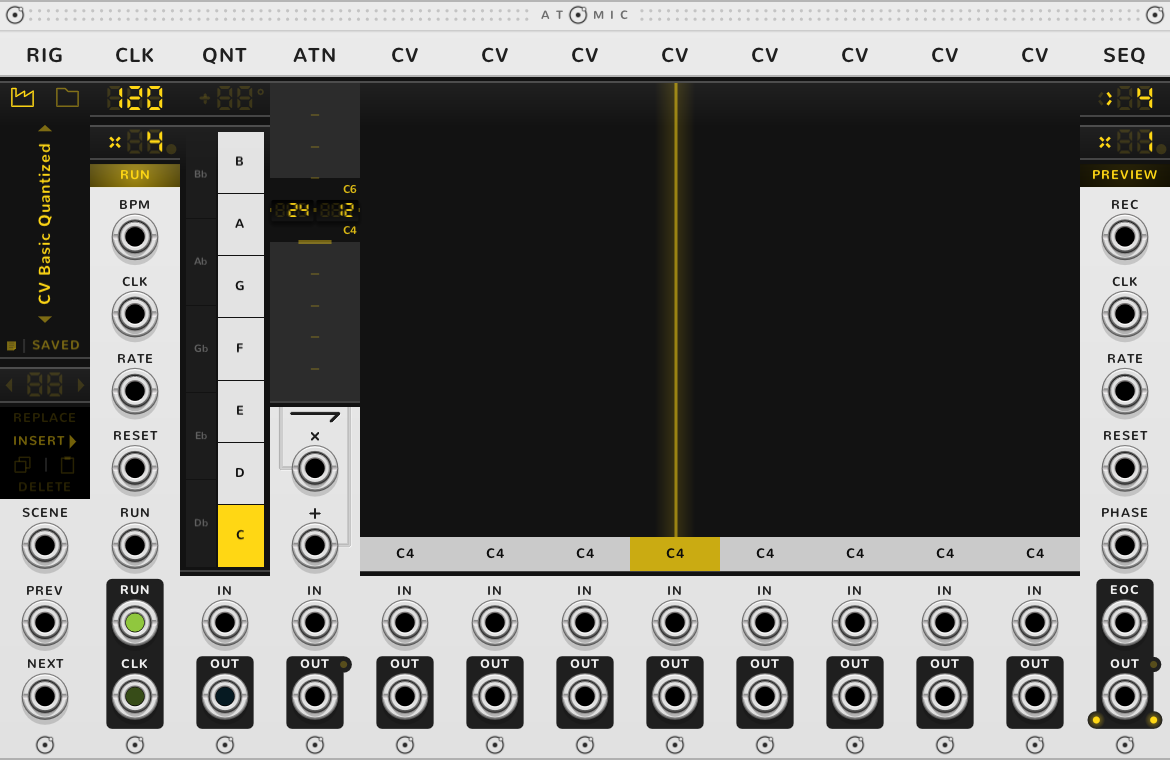
Bond a SEQ to the right of the row and each fader is one of its steps, played in turn at the SEQ's OUT. A yellow line through a fader marks the step playing. Five faders between a CLK and a SEQ make a five-step sequencer.
Notes and ranges
A QNT to the left of the row puts every fader on its scale and writes its note in place of volts, 1 V per octave with C4 at 0 V, so C5 is +1 V; the tooltip names the same note. With no ATN the faders still span -10 V to +10 V, ten octaves either side of C4, too wide for a tune, so an ATN usually narrows them. A QNT sets the whole row to its right; to quantize one fader alone, give it a QNT of its own.
An ATN to the left sets the faders' range, as its guide explains: a gain of 0.25 and an offset of 2.5 V make the faders span 0 to 5 V. The number on each fader is what OUT gives, offset included, even past 10 V. A fader fills from 0 V; when its range doesn't reach 0 V, from the nearer edge.
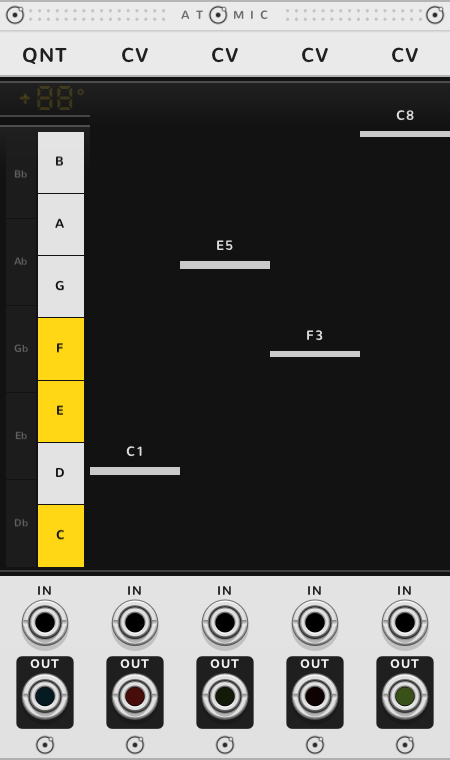
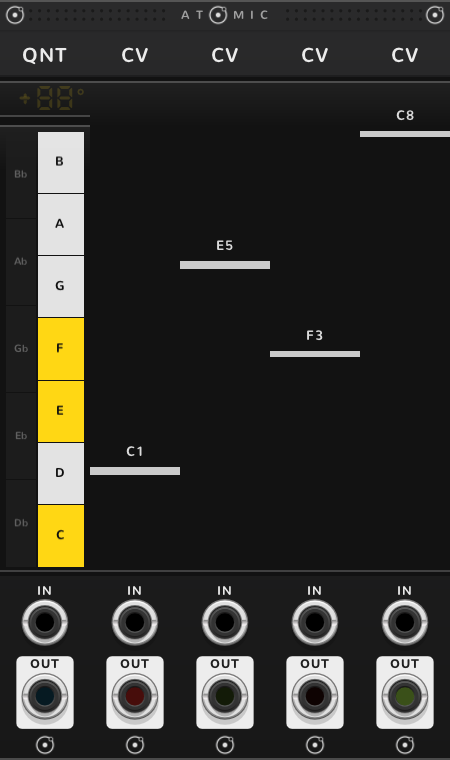
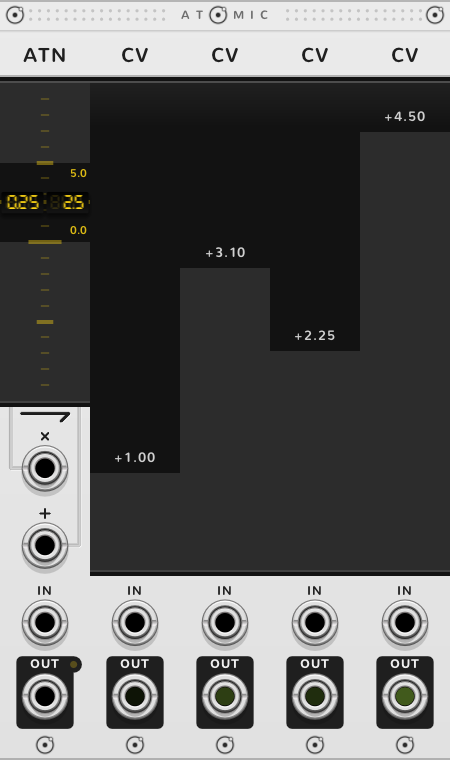
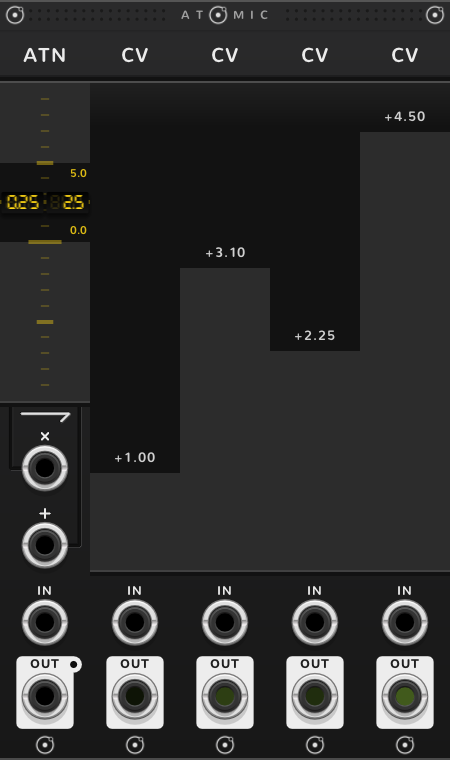
A cable in IN still sets a bonded fader and is landed on the QNT's scale. It is not scaled by the ATN: a voltage past the range is held at its nearer end, so 7 V into a fader spanning 0 to 5 V gives 5 V.
Fed by a POLY
A POLY with a cable in its IN splits it onto the faders to its right, one channel each. A fader you move by hand then stops following its channel until you double-click it.
A quantized melody
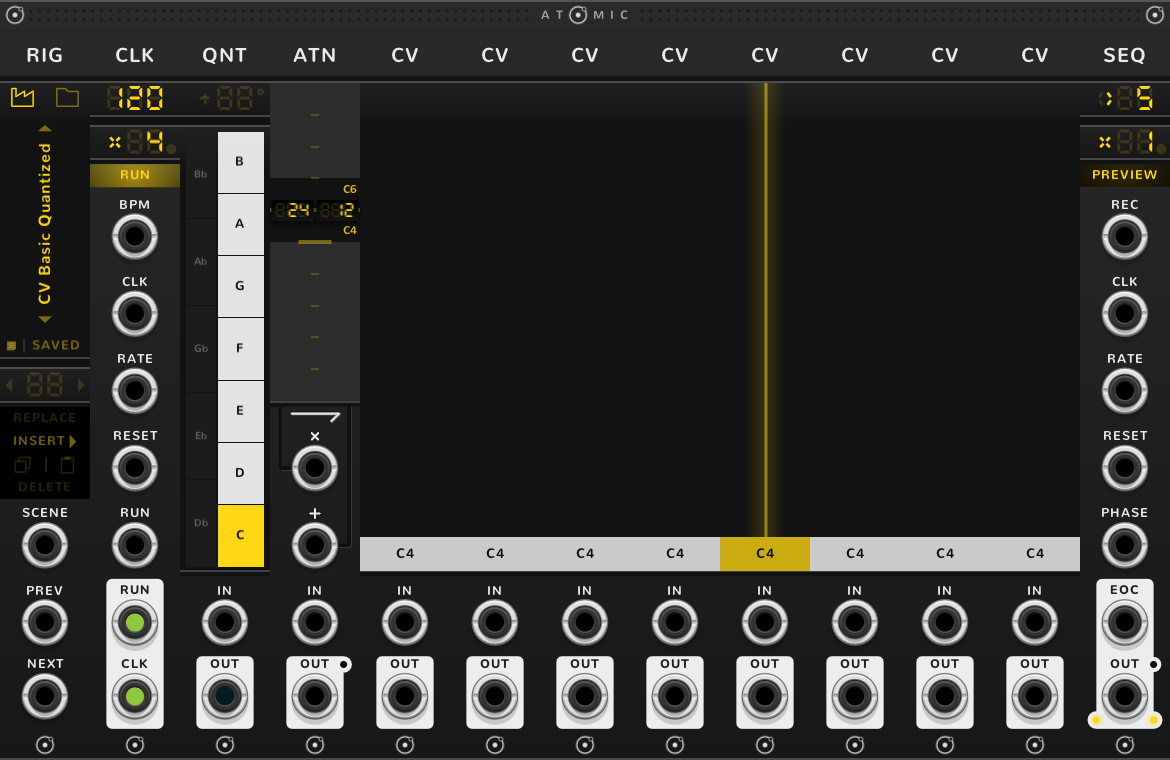
A good first rig is a CLK, a QNT, an ATN, eight CVs and a SEQ: the factory rig CV Basic Quantized, which the RIG opens. Light the keys of a scale on the QNT, draw a line across the faders, and the SEQ plays it as a melody, with the ATN's span (24 semitones here, C4 to C6) setting how far the faders leap. Try the QNT's keys first: the same faders become another tune in each scale.
Shortcuts
| Where | Gesture | What it does |
|---|---|---|
| Fader | Press or drag | the value |
| Fader | Drag across | draw the values of the faders in the row |
| Fader | Shift-drag | value on whole volts |
| Fader | ⌘-drag | fine |
| Fader | Shift+⌘-drag | finer |
| Fader, with a QNT to the left | Shift-drag | value by octaves |
| Fader, with a QNT to the left | ⌘-drag | move every fader of the row together |
| Fader, with a QNT to the left | Shift+⌘-drag | move every fader of the row by octaves |
| Fader moved by hand while a POLY feeds it | Double-click | the value follows the POLY again |
On every module
| Where | Gesture | What it does |
|---|---|---|
| A value on a screen | Double-click | back to its default |
| Any part | Rest the pointer | a tooltip explains it |
| A module's title | Hold ⌘ or Alt | the Atomic menu: change this module into another kind, or insert one beside it |
| The Atomic menu | Shift+⌘-click | delete the module |
| The bracket | Delete | remove the whole rig |
| The bracket | ⌘-D or Alt-D | duplicate the rig; with Shift, its cables too |
| ATOMIC on the bracket | Click | it reads RESET under the pointer, and starts every SEQ and CLK of the rig again |
* ⌘ is Ctrl on Windows and Linux.