What it does
A GAP keeps two rigs together as one while each plays on its own. Modules that do not touch are separate rigs already, but then each has its own bracket and its own file. Bonded either side of a GAP, they share one bracket: Delete, ⌘*-D and the bracket's RESET act on both sides at once, and a RIG at the left end saves both sides as one file, stores both in each scene, and opening another rig there replaces both. A scene recalled with the arrows or by NEXT and PREV restarts the SEQs and CLKs on both sides.
Nothing else reaches across. Each side plays as a rig of its own: a CLK on the left clocks nothing on the right, a QNT on the left sets no scale on the right, and a POLY or a MIX on the right takes nothing from the left. A rig can hold several GAPs, each parting the modules either side of it.
A cable from one side to the other is how the sides talk. It runs between modules of the same rig, so a RIG saves it with the rest.
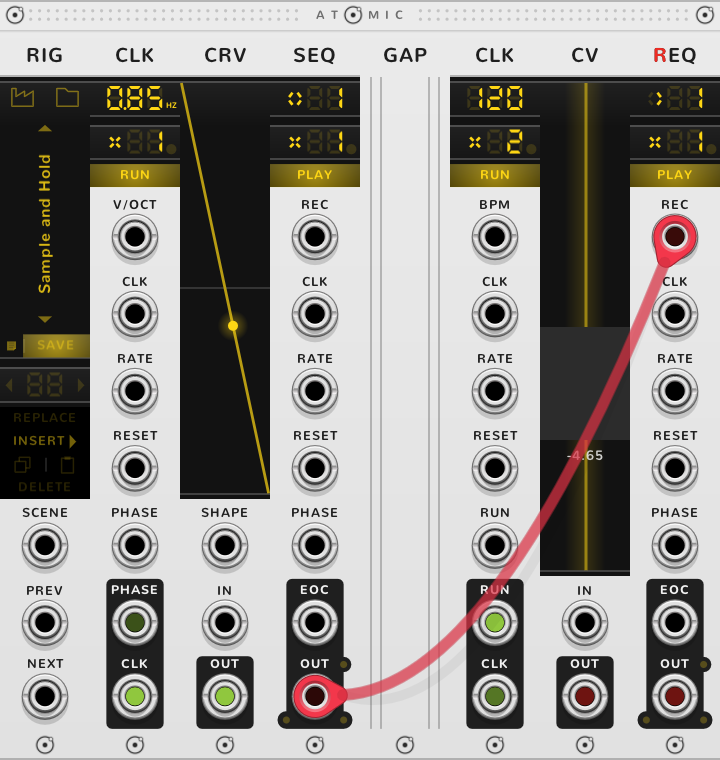
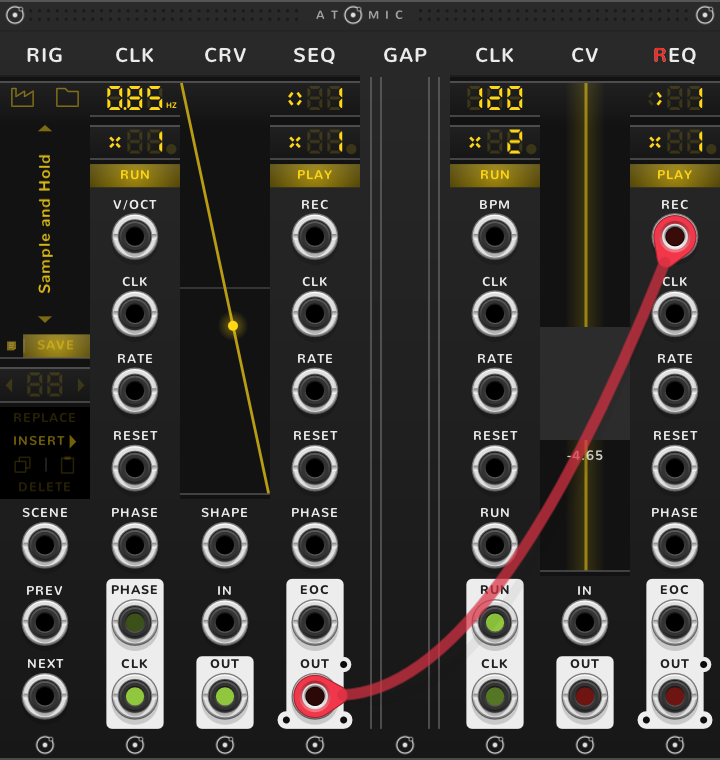
Take the GAP out and the two sides stop touching: they become two rigs, each with its own bracket, and a RIG at the left keeps only its own side. Push them together and they bond into one rig, and the modules act across where the GAP stood: a SEQ on the right still takes the nearest CLK to its left, its own, but that CLK, with nothing in its RESET, now restarts whenever the left one does, as How rigs work says.
Its only setting, in the right-click menu, is the plate: Rails, Plain, Perforated or Vents. The plate applies to every GAP, in every patch. The title fades a few seconds after a GAP is placed, and comes back while the pointer is over it.
Shortcuts
None of its own.
On every module
| Where | Gesture | What it does |
|---|---|---|
| A value on a screen | Double-click | back to its default |
| Any part | Rest the pointer | a tooltip explains it |
| A module's title | Hold ⌘ or Alt | the Atomic menu: change this module into another kind, or insert one beside it |
| The Atomic menu | Shift+⌘-click | delete the module |
| The bracket | Delete | remove the whole rig |
| The bracket | ⌘-D or Alt-D | duplicate the rig; with Shift, its cables too |
| ATOMIC on the bracket | Click | it reads RESET under the pointer, and starts every SEQ and CLK of the rig again |
* ⌘ is Ctrl on Windows and Linux.