Alone
A poly cable into IN shows its channels, a row each, and passes them on at OUT. Each row is a bar from the middle, 0 V, out to its channel's voltage; a short trigger stays visible for a moment. Click a row to leave its channel out of OUT: the row stays where it is, drawn faint on a line, and the channels after it move up one on OUT to close the gap. Click the faint row to put it back.
Several cables stacked on IN give every channel of each its own row, so a lone POLY merges mono cables into one poly cable. Splitting a cable back out happens only in a rig, onto the modules to its right.


- Rows a channel each; click or drag to leave out
- IN a poly cable, or several stacked
- OUT the channels kept
Bonded
Merging
In a rig, a POLY merges the modules of one kind to its left into one poly cable, the leftmost first, on channel 1. By default it takes every module of the kind nearest its left, wherever they stand: a POLY to the right of four SEQs takes all four even with CVs between them. It takes up to sixteen modules, the ones nearest it.
Most modules give one channel each. A SEQ playing chords gives a channel per note, and a SEQ stepping TRGs with its poly steps on gives a channel per trigger. Past sixteen channels the rest are left out, and OUT's tooltip says how many.
The kinds it merges are those that carry a sound or a voltage: SEQs, CVs, CRVs, and ATNs carrying a signal, that is with their IN arrow lit or a cable in IN. QNTs, TRGs, CLKs and ATNs that only set a range are passed over; a QNT's chord is a poly cable already. A module taken by a POLY or a MIX further left is not taken again, so a POLY and a MIX share out one rig. A POLY can also merge MIXes and other POLYs: How rigs work says when.
The label at its top names what it merges. Drag it, or click its arrows where there is more than one choice, to take another kind to its left, or one block of a kind, a run of that kind side by side; double-click goes back to the nearest kind.
Splitting
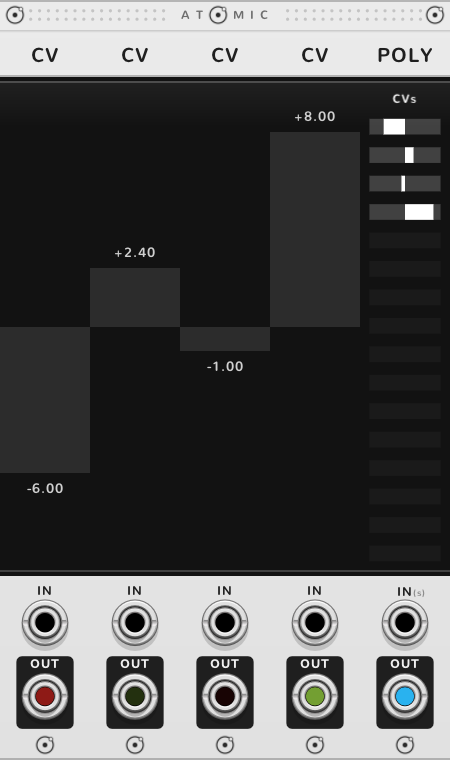
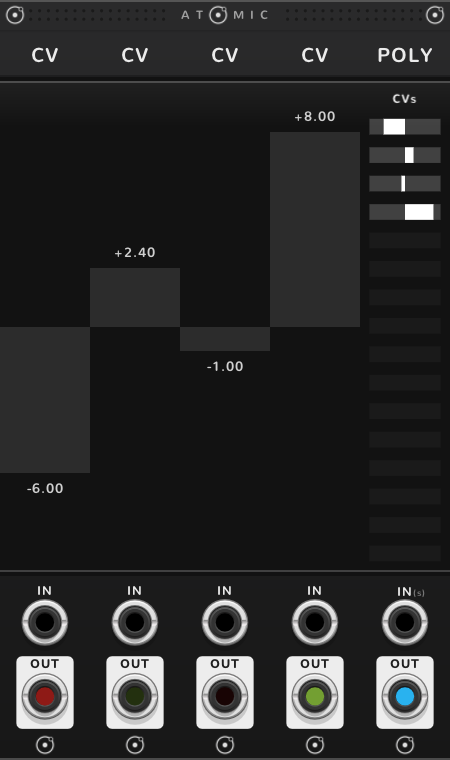
Patch a cable into a bonded POLY's IN and it splits the cable onto the CVs and TRGs to its right, up to the next POLY, in order from the left: each CV takes one channel as its voltage, each TRG one channel per trigger, as gates. Any other module between them is passed over and takes nothing. Channels left over go to nobody, and OUT still passes the whole cable on.
The modules the POLY would have merged are left for a POLY or a MIX further right. A cable in a CV's or TRG's own jack wins over its channel. A QNT or an ATN that sets these CVs, such as one standing between the POLY and the CVs, still sets their scale or range, as it does for their faders.
A CV fader moved by hand, or a TRG's trigger clicked, stops following its channel and plays as set; a double-click hands it back to the POLY.
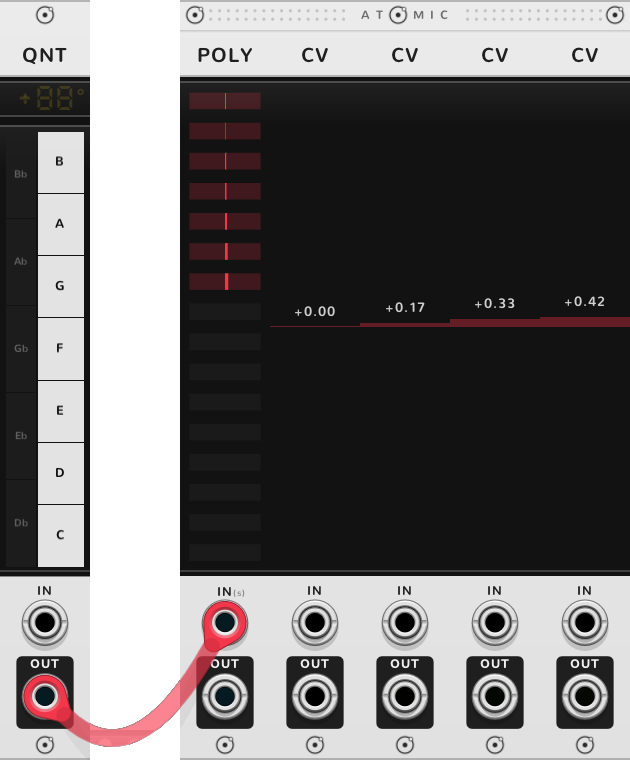
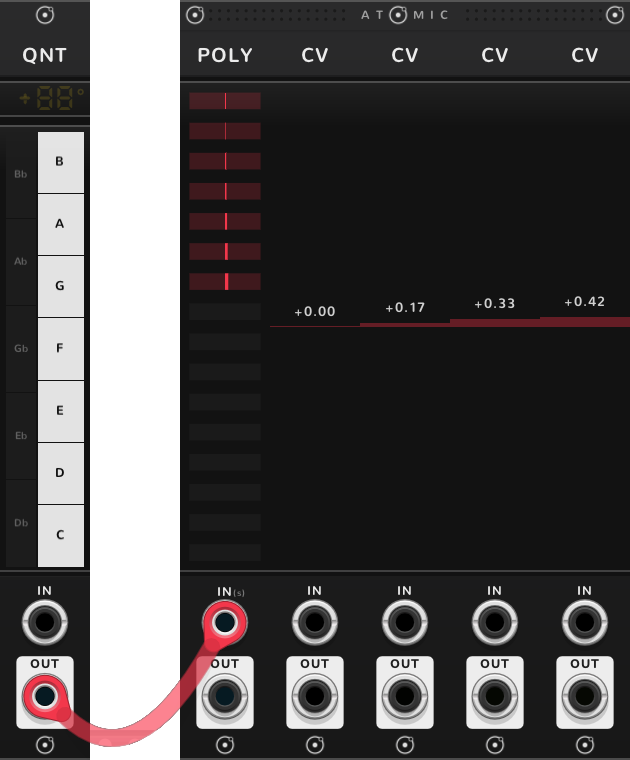
The chord comes by cable, since a POLY never takes a QNT. With no QNT bonded, the CVs show its first four notes as volts: C, D, E and F are 0, 0.17, 0.33 and 0.42 V. A SEQ bonded to their right plays them as a melody that follows the chord.
Channel strips
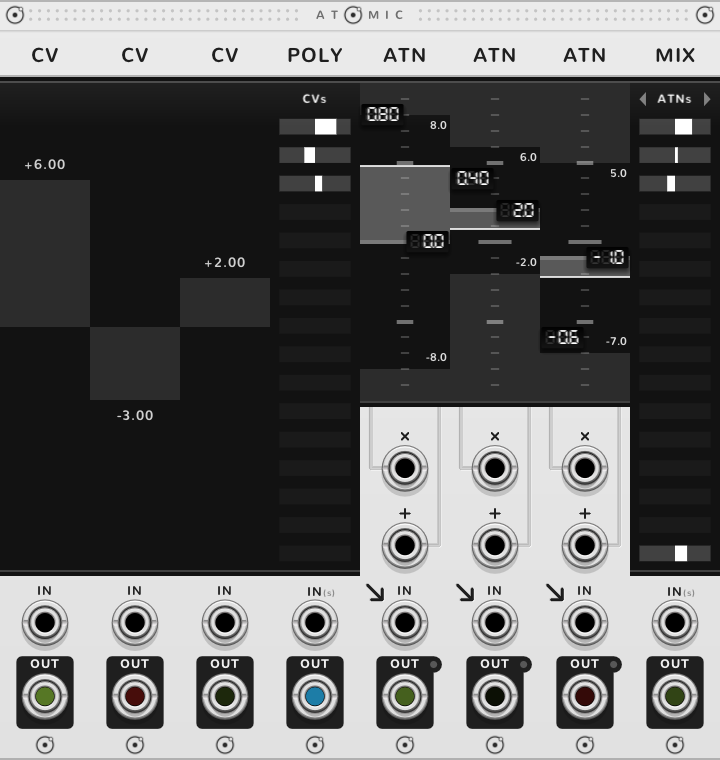
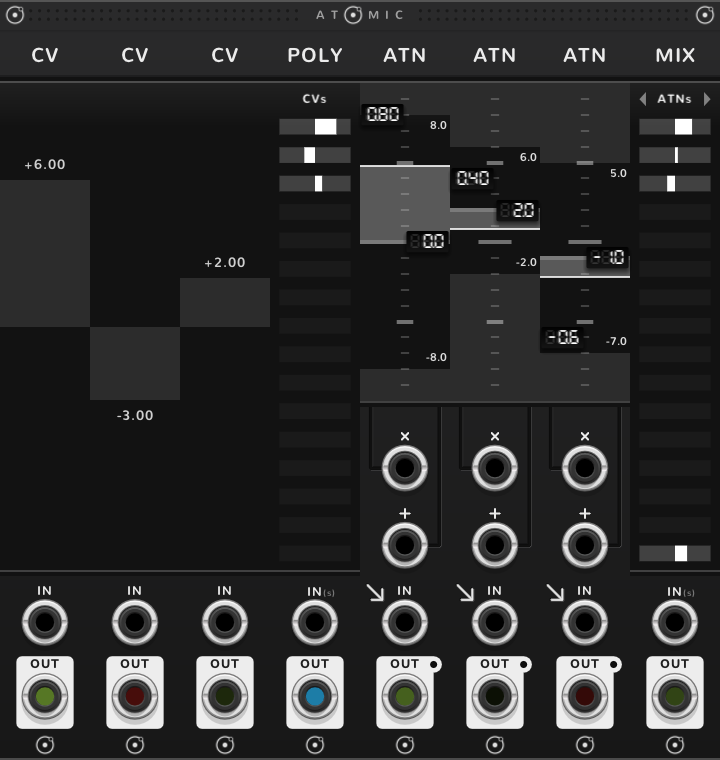
ATNs with their IN arrow lit, standing to the right of a POLY, take its channels one each: the first ATN channel 1, the next channel 2, and so on, each scaled by its own gain and offset, and each ATN's OUT gives its channel. It works whether the POLY merges or carries a cable in IN. The IN arrow points down into the ATN's IN jack, beside its label; an ATN placed after a POLY lights it by itself, and a click on either arrow switches between the two jobs (see the ATN guide). A MIX to the right of the ATNs sums them, so POLY, four ATNs, MIX is a four-channel mixer with a fader and an offset per channel; a second POLY in place of the MIX merges them back into one poly cable. An ATN with a cable in its own IN scales that cable and takes no channel.
Into a SEQ
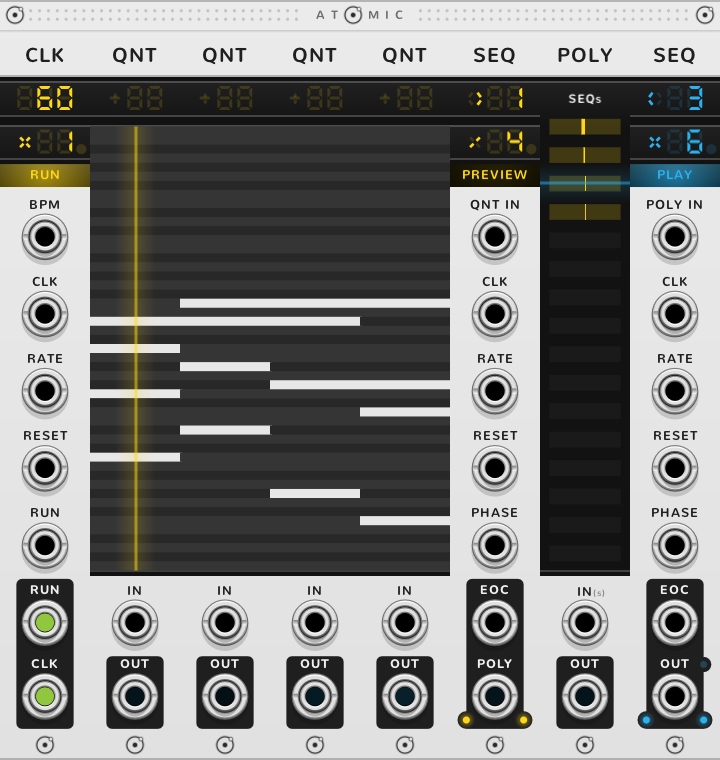
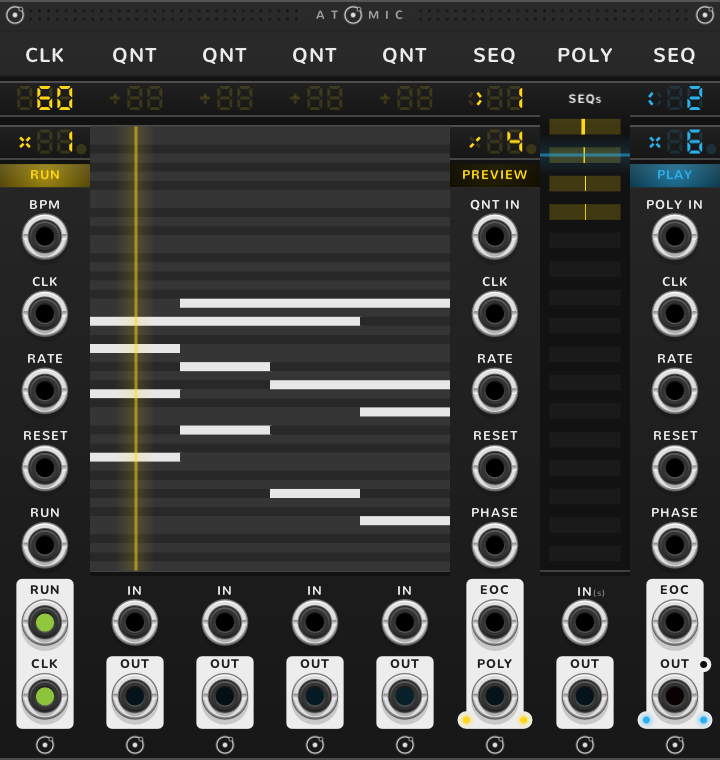
A SEQ to the right of a POLY, with nothing in the SEQ's own POLY IN jack, arpeggiates what the POLY carries. Here the first SEQ steps through four QNT chords; the POLY takes the chord playing, and the second SEQ plays its notes one at a time.
Shortcuts
| Where | Gesture | What it does |
|---|---|---|
| Label | Drag, or click an arrow | merge another kind or block |
| Label | Double-click | back to the nearest kind |
| Rows | Click or drag | leave rows out, or put them back |
| CV or TRG fed by a POLY | Double-click | follow the POLY again |
On every module
| Where | Gesture | What it does |
|---|---|---|
| A value on a screen | Double-click | back to its default |
| Any part | Rest the pointer | a tooltip explains it |
| A module's title | Hold ⌘* or Alt | the Atomic menu: change this module into another kind, or insert one beside it |
| The Atomic menu | Add Shift, click DELETE on its top line | delete the module |
| The bracket | Delete | remove the whole rig |
| The bracket | ⌘-D or Alt-D | duplicate the rig; with Shift, its cables too |
| ATOMIC on the bracket | Click | it reads RESET under the pointer, and starts every SEQ and CLK of the rig again |
* ⌘ is Ctrl on Windows and Linux.