Alone
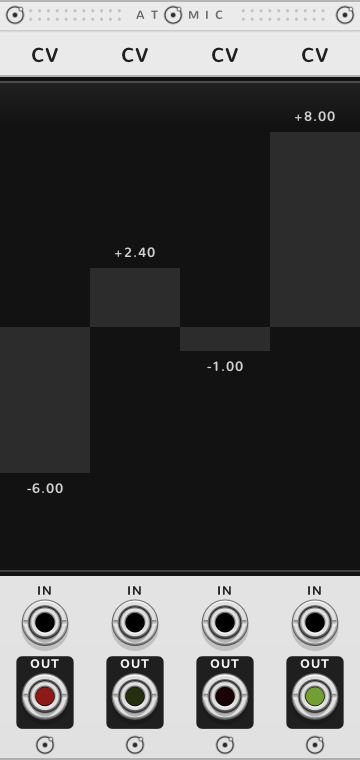
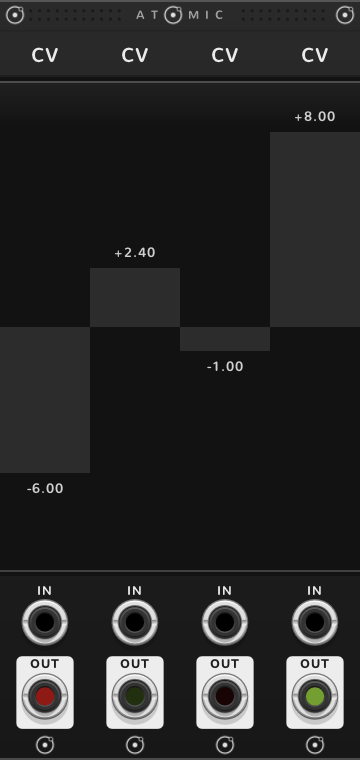
Press anywhere on the fader and the value goes there; drag to move it. Shift-drag lands it on whole volts.


- Value the voltage at OUT, written at the fader's level
- Fader -10 V to +10 V
- IN a cable here replaces the fader's value
- OUT the value
OUT glows to show what it gives, as every Atomic output does: green for a voltage above 0 V, red below, blue for a poly cable, brighter as it nears 10 V.
While a cable is in IN, the fader follows it and a drag does nothing. Pull the cable and the fader stays where the cable left it.
A CV jumps straight to each new value; it has no glide of its own. For a glide, let a SEQ step it and turn on the SEQ's slew.
Bonded
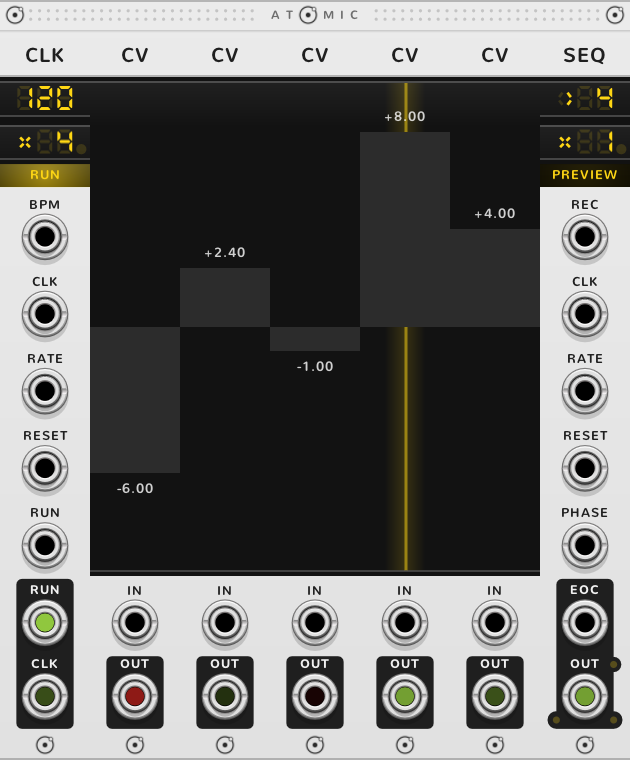
In a rig, several CVs side by side become one row of faders: one stroke draws them all, a QNT or ATN to their left sets them all, and a SEQ to their right steps through them.
A row of faders
Drag across the faders to draw their values in one stroke; Shift lands each on whole volts, ⌘* moves it finely. With a QNT to the left, ⌘-drag moves every fader of the row together.
A quantized melody
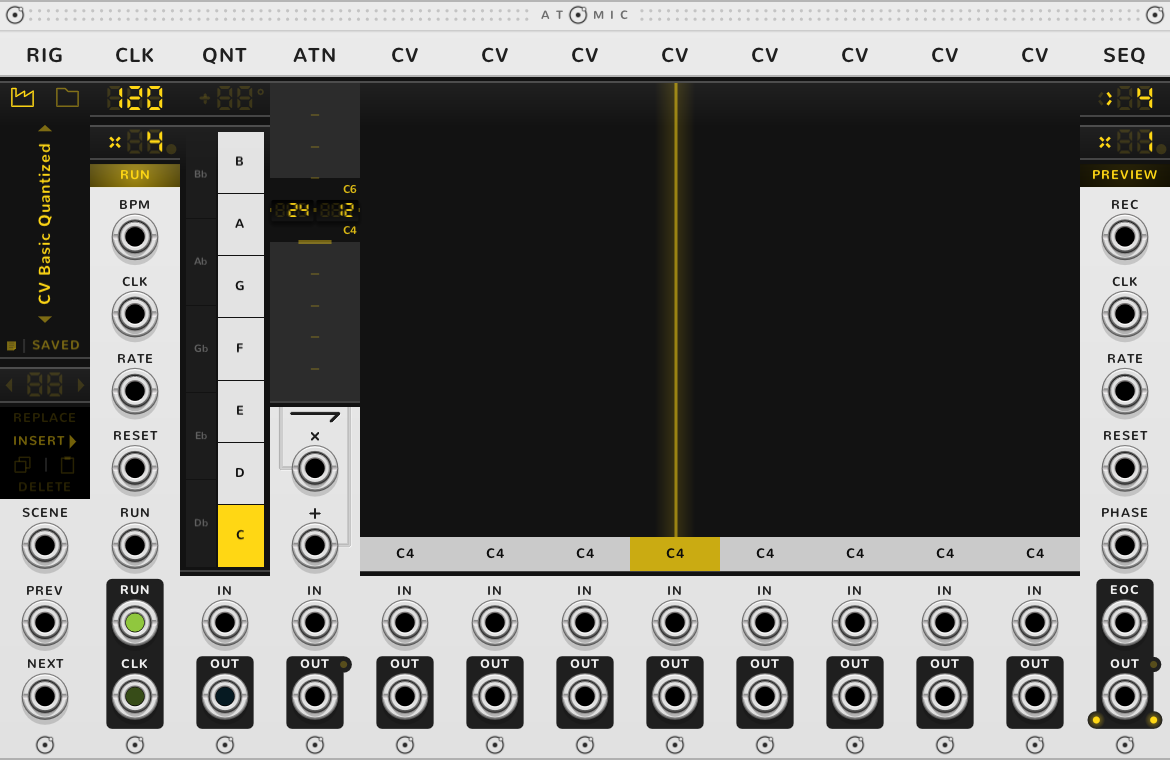
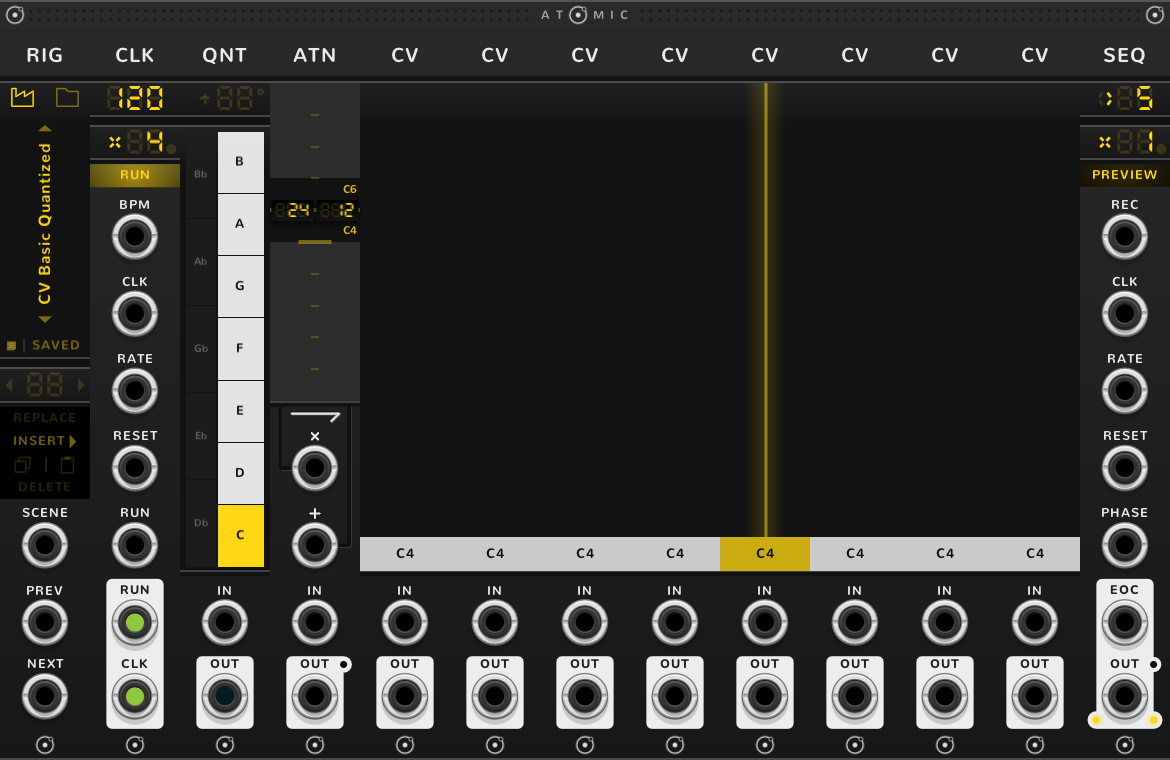
A good first rig is a CLK, a QNT, an ATN, eight CVs and a SEQ: the factory rig CV Basic Quantized, opened from a RIG bonded at the left. Light the keys of a scale on the QNT, draw a line across the faders, and the SEQ plays it as a melody. The ATN's gain, 24 semitones, sets how far the faders leap, and its offset, 12 semitones, lifts that span an octave, so here it runs from C4 to C6. Change the QNT's keys and the same faders become another tune.
To hear it, cable the SEQ's OUT into an oscillator's V/OCT. The SEQ gives pitch only: for the notes to start and stop, cable the CLK's CLK out into an envelope's gate, as the SEQ guide shows. A new CLK starts at rate x4, so a SEQ at x1 on it plays sixteenths at the CLK's tempo; the CLK guide says how to slow it.
The steps of a SEQ
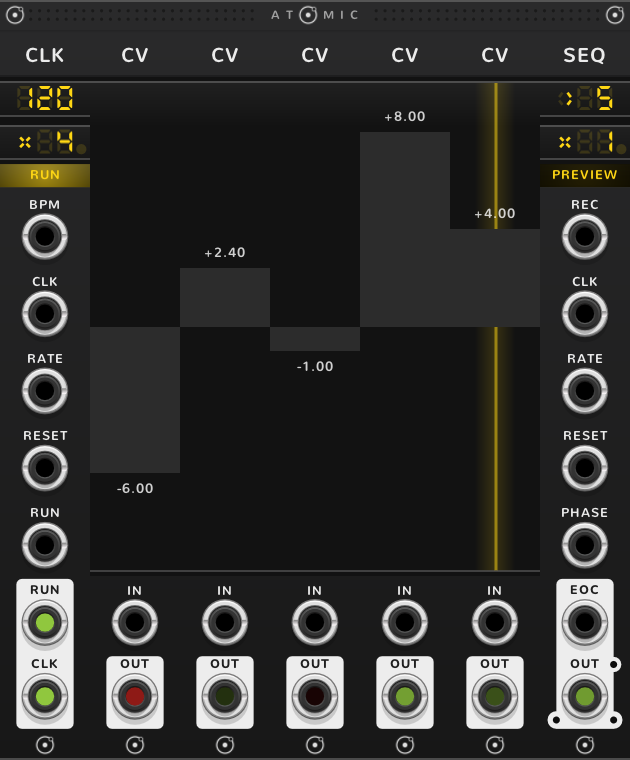
Bond a SEQ to the right of the row and each fader is one of its steps, played in turn at the SEQ's OUT. A yellow line through a fader marks the step playing. Five faders between a CLK and a SEQ make a five-step sequencer.
Notes and ranges
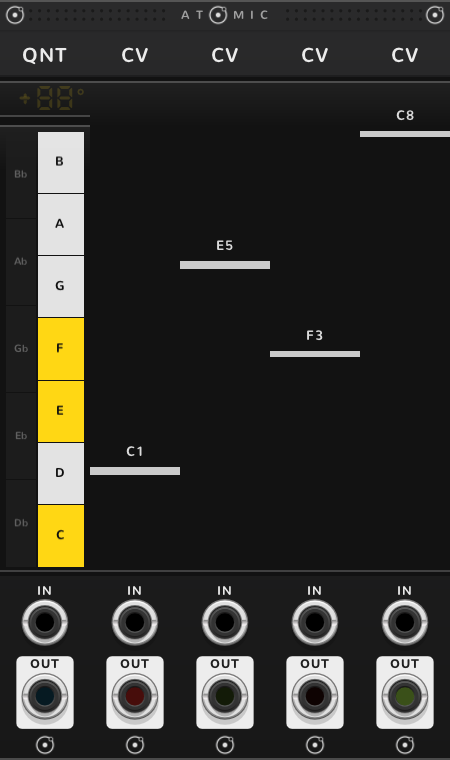
A QNT to the left of the row puts every fader on its scale and shows its note instead of volts, at 1 V per octave with C4 at 0 V. With no ATN the faders still span -10 V to +10 V, ten octaves either side of C4, too wide for a tune, so an ATN usually narrows them. A QNT sets the whole row to its right, and a later row with no QNT or ATN of its own plays on the same scale and range, as How rigs work sets out; to quantize one fader alone, give it a QNT of its own.
An ATN to the left sets the faders' range, as its guide explains: a gain of 0.25 and an offset of 2.5 V make the faders span 0 to 5 V. The number on each fader is what OUT gives, offset included, even past 10 V. A fader fills from 0 V; when its range doesn't reach 0 V, from the nearer edge.
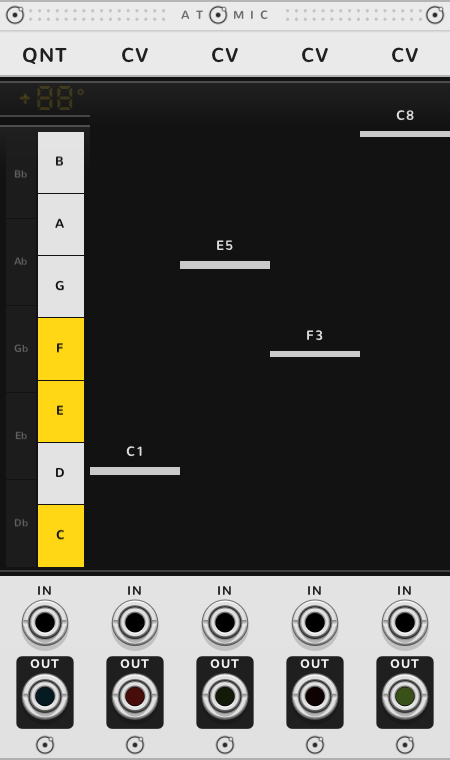
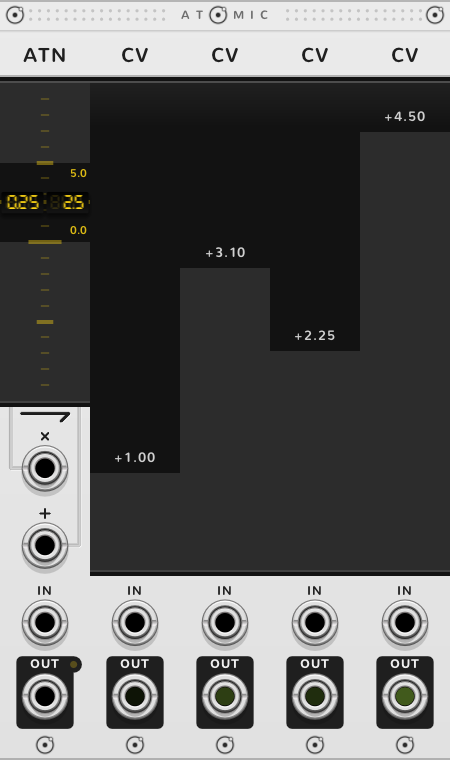
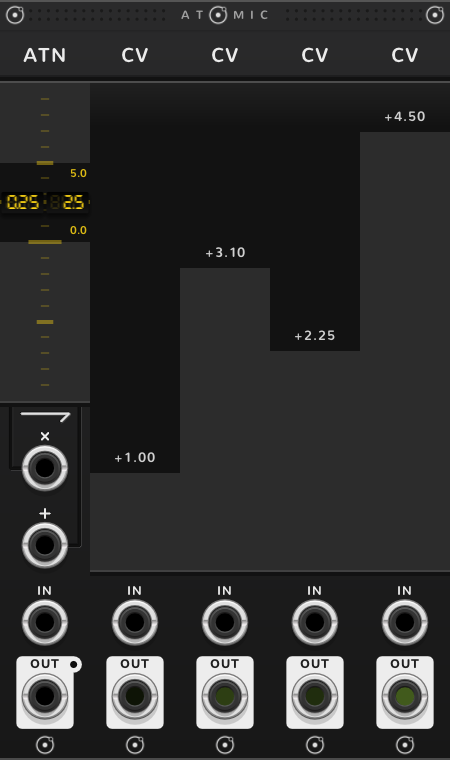
A cable in IN still sets a bonded fader and is landed on the QNT's scale. It is not scaled by the ATN: a voltage past the range is held at its nearer end, so 7 V into a fader spanning 0 to 5 V gives 5 V.
Fed by a POLY
A POLY with a cable in its IN splits it onto the faders to its right, one channel each. A fader you move by hand then stops following its channel until you double-click it.
Shortcuts
| Where | Gesture | What it does |
|---|---|---|
| Fader | Press or drag | the value |
| Fader | Drag across | draw the values of the faders in the row |
| Fader | Shift-drag | value on whole volts |
| Fader | ⌘-drag | fine |
| Fader | Shift+⌘-drag | finer |
| Fader, with a QNT to the left | Shift-drag | value by octaves |
| Fader, with a QNT to the left | ⌘-drag | move every fader of the row together |
| Fader, with a QNT to the left | Shift+⌘-drag | move every fader of the row by octaves |
| Fader moved by hand while a POLY feeds it | Double-click | the value follows the POLY again |
On every module
| Where | Gesture | What it does |
|---|---|---|
| A value on a screen | Double-click | back to its default |
| Any part | Rest the pointer | a tooltip explains it |
| A module's title | Hold ⌘ or Alt | the Atomic menu: change this module into another kind, or insert one beside it |
| The Atomic menu | Add Shift, click DELETE on its top line | delete the module |
| The bracket | Delete | remove the whole rig |
| The bracket | ⌘-D or Alt-D | duplicate the rig; with Shift, its cables too |
| ATOMIC on the bracket | Click | it reads RESET under the pointer, and starts every SEQ and CLK of the rig again |
* ⌘ is Ctrl on Windows and Linux.