Alone
Every channel of a cable at IN gets its own fader, up to fifteen, and OUT gives their sum through the master below them, as one mono channel. A sixteenth channel is left out.
Each fader is a bar across the screen, in the colour of the cable or module it comes from, and it shows two things. Its thickness is the level, set by dragging up or down on the bar: full by default, which is the signal as it came, and thinning to a hairline at silence. Its length shows the signal's voltage: out from 0 V in the middle, left for negative and right for positive, a short tick in the middle while the signal rests at 0 V. The bar set apart below the fifteen is the master, the level of the sum.
No fader or master goes above full, and the sum is not clipped, so many loud channels give a loud OUT.


- Levels one fader per channel, fifteen in all
- Shift-click mute a channel
- Master the level of the sum; Shift-click mutes it
- IN a poly cable, or several stacked
- OUT the mix
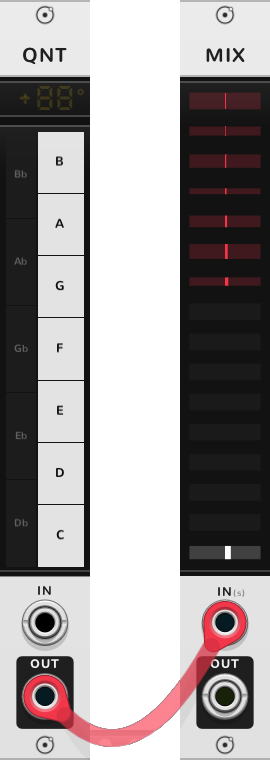
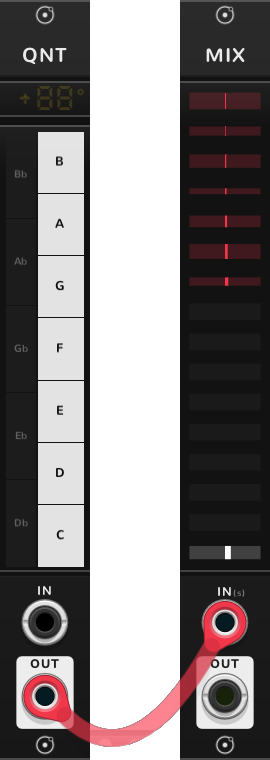
Stacked cables
Rack lets you stack several cables on one input, and most modules add them together there. The MIX instead gives each channel of every stacked cable its own fader, in that cable's colour. Three mono cables make a three-channel mixer with no merge module in between. The (s) after IN on the panel says cables stack there.
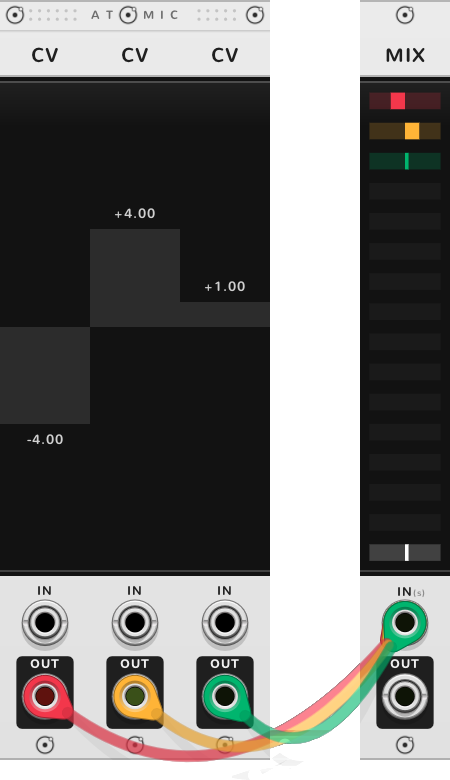
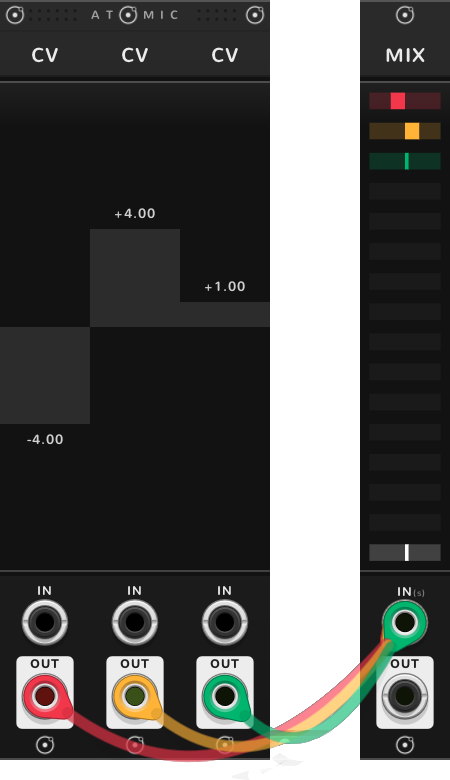
Bonded
In a rig, a MIX takes the modules of one kind to its left, a fader each, and sums them at OUT. By default it takes every module of the kind nearest its left, wherever they stand, so a MIX to the right of four SEQs mixes all four even with CVs between them. It takes up to fifteen, the ones nearest it, and the leftmost of them is the top fader.
The kinds it mixes are those that carry a sound or a voltage: SEQs, CVs, CRVs, and ATNs carrying a signal, that is with their IN arrow lit or a cable in IN. A SEQ stepping through TRGs carries triggers, so SEQs of triggers are a kind of their own. QNTs, TRGs, CLKs and ATNs that only set a range are passed over.
A module taken by a POLY or a MIX further left is not taken again, so a POLY and a MIX share a rig between them. A MIX can also sum other MIXes, a mix of mixes: How rigs work says when.
In a rig, a label at the top of the MIX names what it mixes. It shows once there is something to its left to choose from. Drag the label up or down to choose another kind to its left, or one block of a kind, a run of that kind side by side: "CVs 2" is the second run of CVs from the left. Where there is more than one choice, arrows either side of the label step through them. While the pointer is over the label, an arrow marks each module it takes.
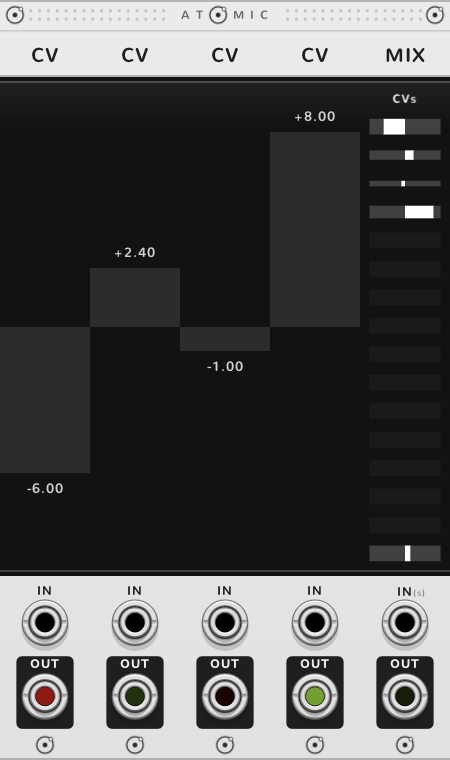
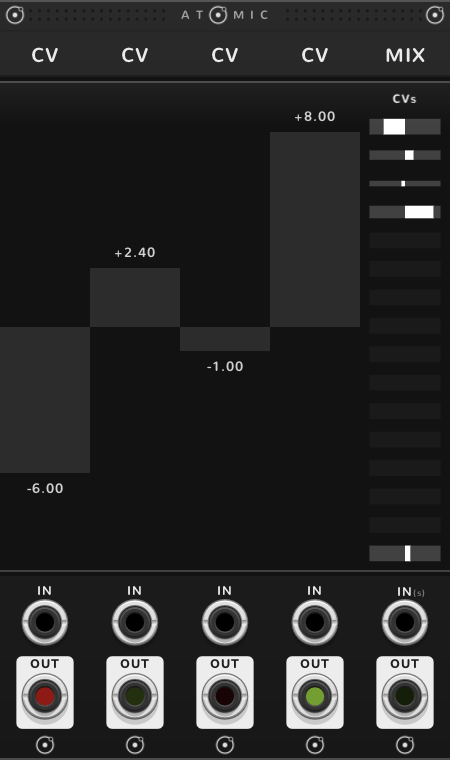
A cable in IN replaces the bonded modules on the faders, and the label goes: the MIX is then a mixer of what is stacked at IN, as alone, and the modules it would have taken are left for a POLY or a MIX further right.
A super saw
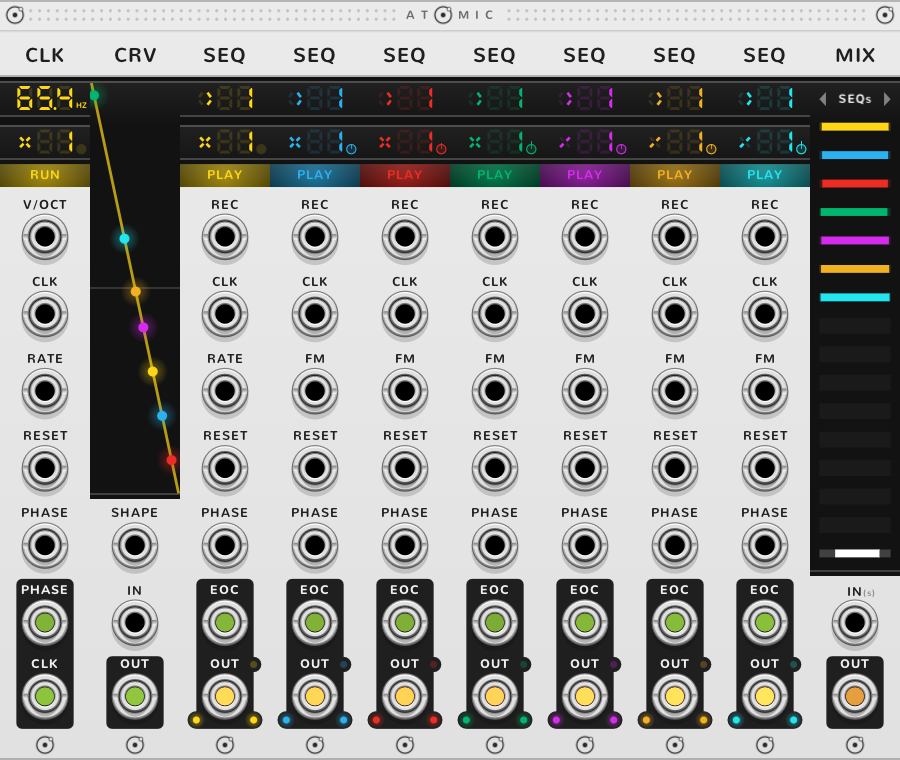
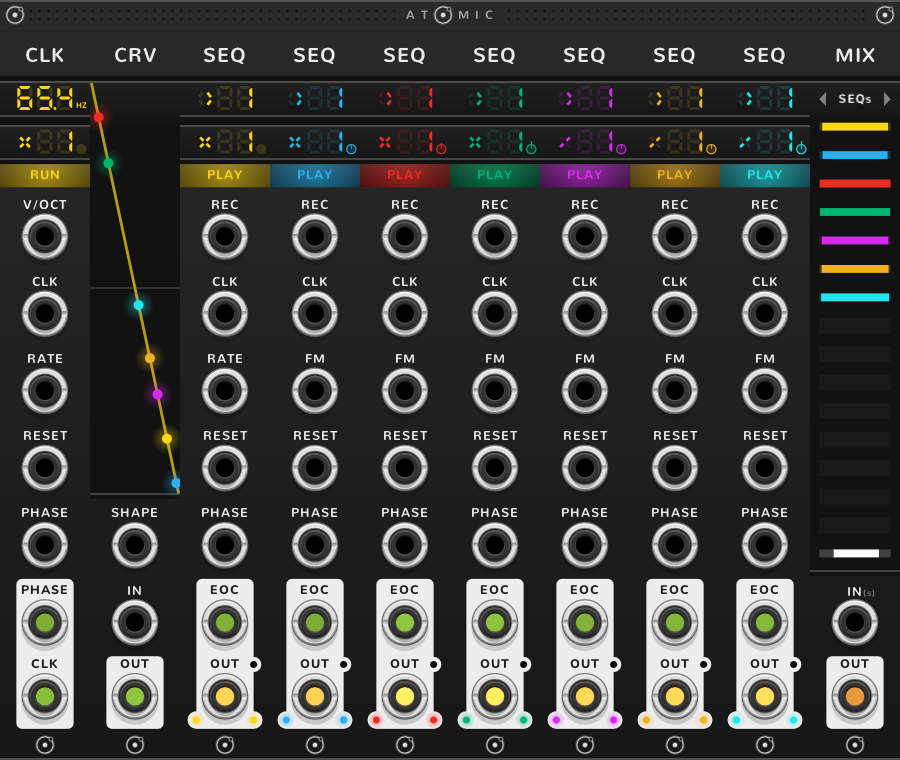
Seven saws a hair out of tune make one wide sound. In Atomic, an oscillator is a SEQ playing a CRV once per tick of a CLK in Hz, ticking at the pitch, and the CRV's shape is its wave. Bond a CLK in Hz, set to the pitch; a CRV for the wave (a new CRV is a straight line, which played forward is a saw); seven SEQs, each playing that one CRV once a tick; and a MIX. Set the SEQs' rates a little apart, x0.99 to x1.01, with ⌘*-drag on each rate, which goes by hundredths, so the seven drift against each other. A rate with a fraction is free: its pie lights and its RATE jack reads FM. The factory rig leaves one SEQ at x1, so that one still reads RATE. The MIX takes the seven SEQs; bring their faders down to half, since seven full saws summed are loud.
Shortcuts
| Where | Gesture | What it does |
|---|---|---|
| Label | Drag, or click an arrow | mix another kind or block |
| Label | Double-click | back to the nearest kind |
| Levels | Drag up or down | the channel's level |
| Levels | Shift-click or Shift-drag | mute channels |
| Levels, master | ⌘-drag | fine |
| Levels, master | Shift+⌘-drag | scale all the channels |
| Master | Shift-click | mute the mix |
On every module
| Where | Gesture | What it does |
|---|---|---|
| A value on a screen | Double-click | back to its default |
| Any part | Rest the pointer | a tooltip explains it |
| A module's title | Hold ⌘ or Alt | the Atomic menu: change this module into another kind, or insert one beside it |
| The Atomic menu | Add Shift, click DELETE on its top line | delete the module |
| The bracket | Delete | remove the whole rig |
| The bracket | ⌘-D or Alt-D | duplicate the rig; with Shift, its cables too |
| ATOMIC on the bracket | Click | it reads RESET under the pointer, and starts every SEQ and CLK of the rig again |
* ⌘ is Ctrl on Windows and Linux.