Alone
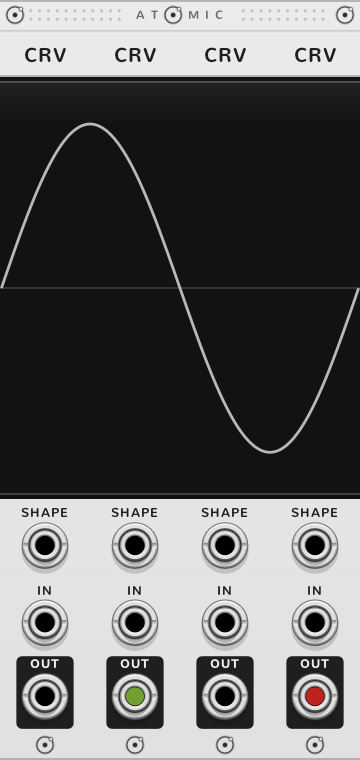
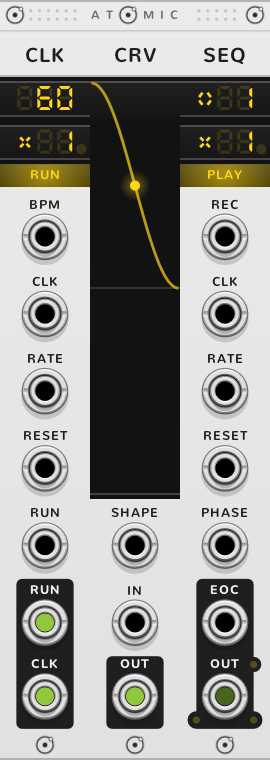
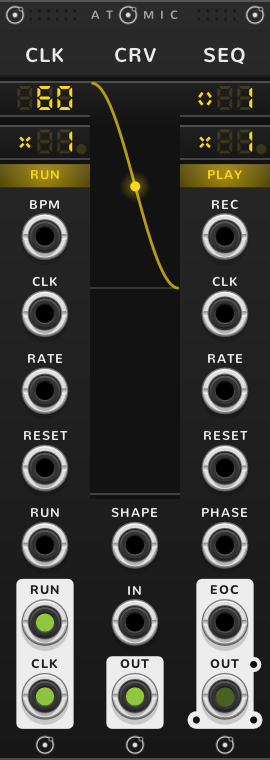
A CRV holds a curve from a start point to an end point. IN picks a point along it, -10 V at the start and +10 V at the end, and OUT gives the curve's height there. With IN empty, OUT gives the start point, +10 V on a new CRV, which runs from +10 V down to -10 V. A slow ramp at IN traces the shape over time; an audio signal at IN is waveshaped by it. A poly cable at IN gives a poly OUT, each channel through the same curve.


- Start drag up or down in the left third of the screen
- Shape drag in the middle third to bend the curve
- End drag up or down in the right third
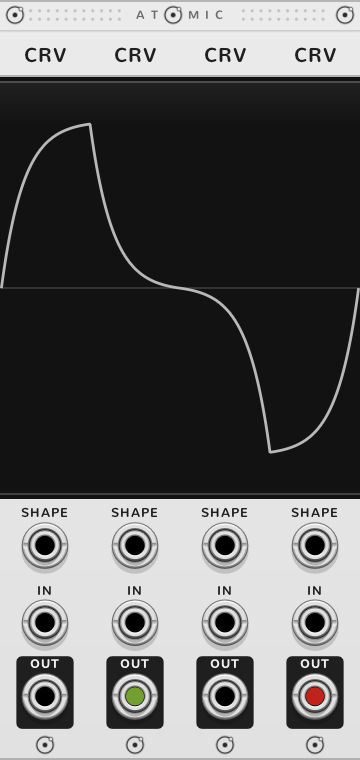
- SHAPE replaces the shape: -10 V the deepest sag, +10 V the widest bulge
- IN the point along the curve
- OUT the curve's height there
The start and end run from -10 V to +10 V. The shape runs from -10 to +10, the same numbers SHAPE takes in volts. At 0 the curve is a straight line; below 0 it sags, above 0 it bulges. On a rising curve a sag is exponential, slow then fast, and a bulge logarithmic. At ±10 the steep end climbs about ten times as fast as the straight line.




Bonded
A range from an ATN
IN reads -10 V as the start, so a 0 to 10 V ramp plays only the second half of the curve. Bond an ATN to the CRV's left, its right arrow lit, and set a gain of 0.5 and an offset of 5 V, a range of 0 to 10 V: IN then reads 0 V as the start and 10 V as the end, and the start and end points move within 0 to 10 V too. An ATN to the left of a row sets the range of the whole row.
A row of CRVs
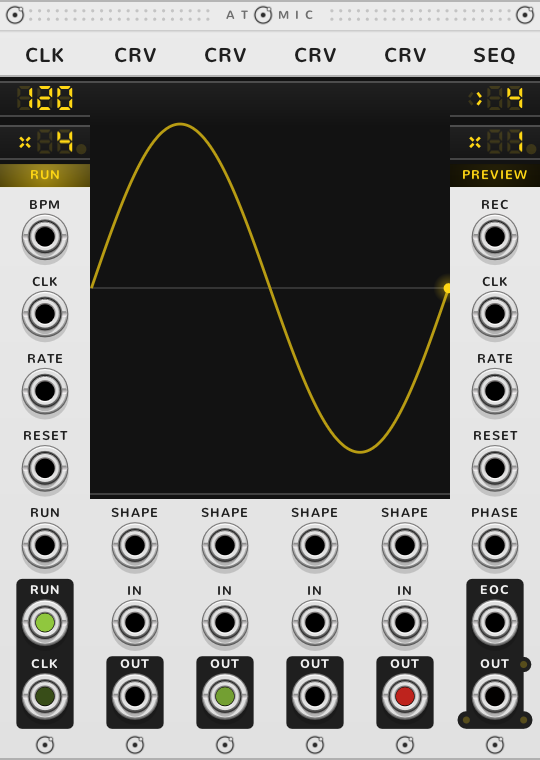
In a rig, CRVs side by side draw one curve, a segment each. In a row, or stepped by a SEQ, IN and OUT change job: IN sets this CRV's start point by voltage, within its range, and OUT gives that start as a steady voltage. With a SEQ to the right of the row, the curve itself plays at the SEQ's OUT.
Double-click a start to join it to the end of the CRV before; double-click an end to join it to the next start. A joined point moves as one, so a cable in a CRV's IN moves the end of the CRV before it too, where the two are joined. Double-click a joined point to split it again. To close the row into a loop, double-click the first CRV's start, or the last CRV's end: the two join, and the curve ends where it began.
Each segment is bent or a spline; double-click the middle of a segment to switch it. A bent segment curves on its own, between its two points, as a CRV alone does. Joined splines make one smooth curve through all their points. On a spline the shape sets the tension: -10 pulls it straight and +10 rounds it out. SHAPE sets the tension the same way.
Stepped by a SEQ
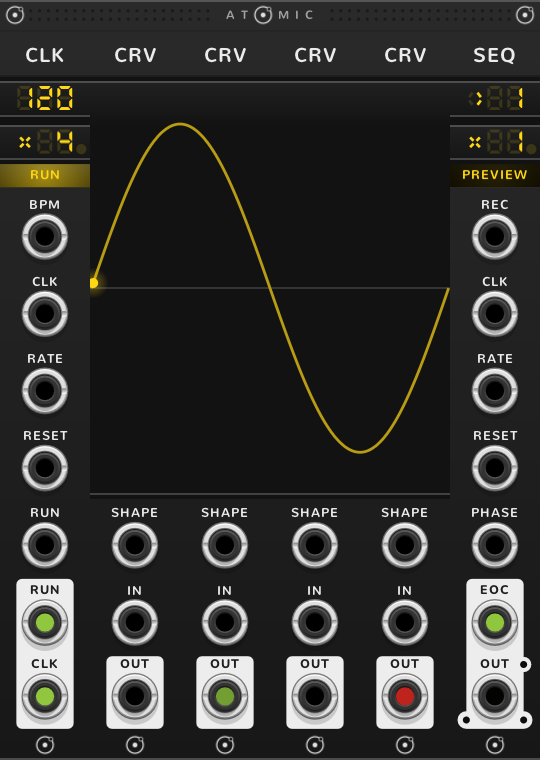
With a SEQ to the right of the row, each CRV is one of its steps, and the SEQ's OUT plays that CRV's whole curve from start to end across the step; a yellow dot riding the curve is the playhead. At the SEQ's rate x1 it takes one step per tick of its clock, so a CRV lasts one tick: with a CLK at 120 BPM and its rate at x4, a sixteenth note. The SEQ's own rate multiplies or divides that, as the SEQ guide says.
One CRV makes an LFO. Set the SEQ's direction to pendulum and it plays the curve forward on one tick and back on the next, with no jump. Played forward only, a rising curve jumps back to its start each tick, which makes a saw. A row of CRVs joined in a loop is an LFO of any shape you draw, its cycle as many ticks as there are CRVs.
An envelope
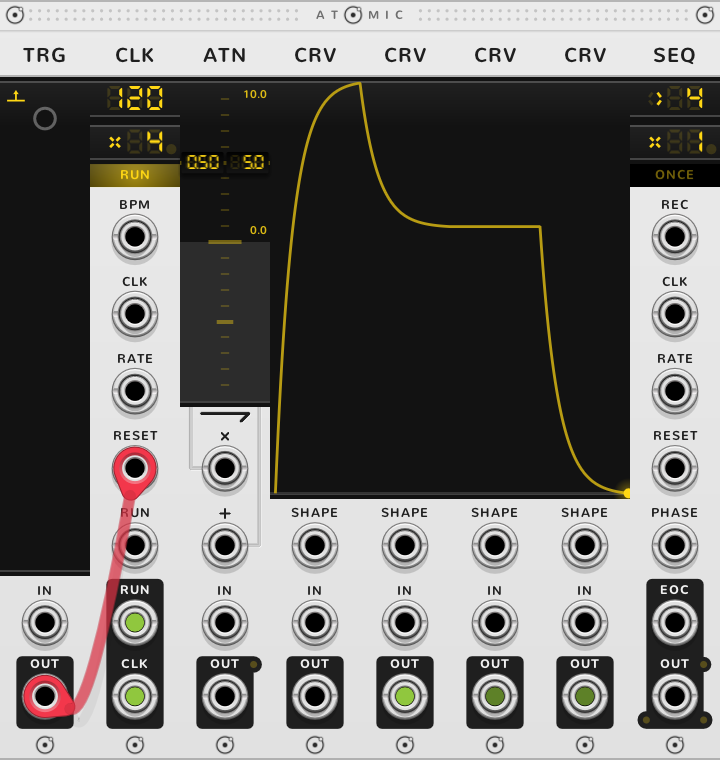
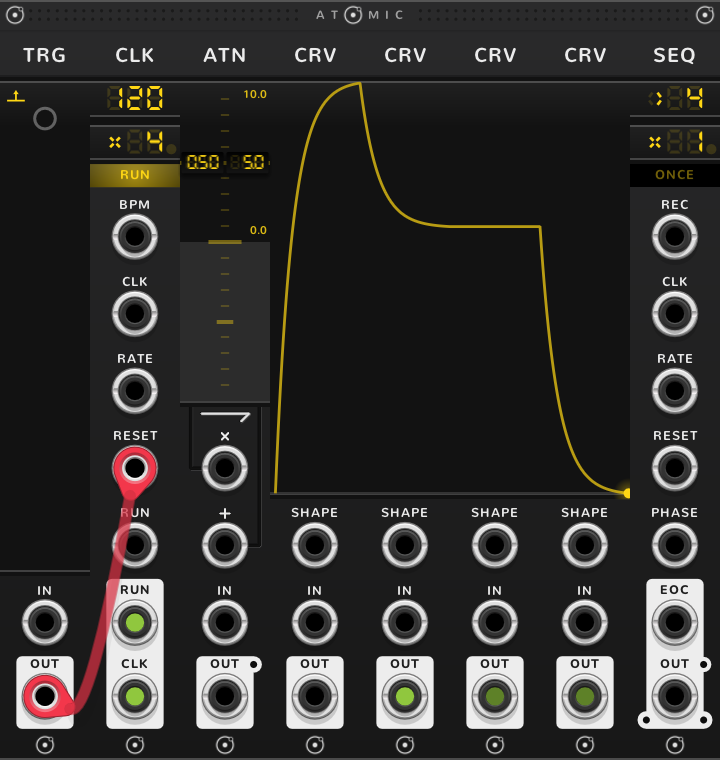
Draw the envelope across a row of CRVs, a segment each, and set the SEQ's mode to ONCE: it plays the row once and holds the last end point. A stage that should last longer takes more CRVs, and a slower CLK rate stretches the whole envelope. For a fast attack and a long release, give the attack one CRV and the release several, joined so they fall as one curve: with a CLK at 120 BPM and x4, one CRV of attack is 125 ms and four of release half a second. The sustain lasts as many ticks as its CRVs; no gate holds it.
A new CRV spans -10 V to +10 V, so an envelope drawn to the bottom rests at -10 V, which a VCA hears as silence for half the attack. For 0 to 10 V, bond an ATN to the left of the row with a gain of 0.50 and an offset of 5 V, as the factory rig Detailed Envelope does: the bottom of each CRV is then 0 V and the top 10 V.
To fire it, send a trigger into the CLK's RESET: the CLK ticks at once, so the envelope starts on the trigger. The SEQ's own RESET would wait for the next tick. The CLK's RESET also restarts every other SEQ it drives (see the CLK guide).
A function of one voltage
To map a voltage through a whole row, set the SEQ to HALT, double-click its step to put it on step one, and patch the voltage into its PHASE: 0 to 10 V then sweeps the row from the first start to the last end, and the SEQ's OUT gives the curve there. PHASE counts from the step on the SEQ's screen, so on any other step the sweep starts part way along the row.
Shortcuts
| Where | Gesture | What it does |
|---|---|---|
| Start, end | Drag | the point |
| Start | Double-click | join to the end before, or split; on the first CRV, join to the last end, closing the loop |
| End | Double-click | join to the next start, or split; on the last CRV, join to the first start, closing the loop |
| Start, end | ⌘*-double-click | join or split every touching CRV |
| Start, end | ⌘-drag | scale the touching starts, or ends |
| Start, end | Shift-drag | on whole volts |
| Start, end | Shift+⌘-drag | match the touching starts, or ends |
| Shape | Drag | the shape |
| Shape | Double-click | bent or spline |
| Shape | ⌘-drag | move the touching shapes |
| Shape | ⌘-double-click | make the touching CRVs splines, or bent |
| Shape | Shift-drag | on whole numbers |
| Shape | Shift+⌘-drag | match the touching shapes |
On every module
| Where | Gesture | What it does |
|---|---|---|
| A value on a screen | Double-click | back to its default |
| Any part | Rest the pointer | a tooltip explains it |
| A module's title | Hold ⌘ or Alt | the Atomic menu: change this module into another kind, or insert one beside it |
| The Atomic menu | Add Shift, click DELETE on its top line | delete the module |
| The bracket | Delete | remove the whole rig |
| The bracket | ⌘-D or Alt-D | duplicate the rig; with Shift, its cables too |
| ATOMIC on the bracket | Click | it reads RESET under the pointer, and starts every SEQ and CLK of the rig again |
* ⌘ is Ctrl on Windows and Linux.